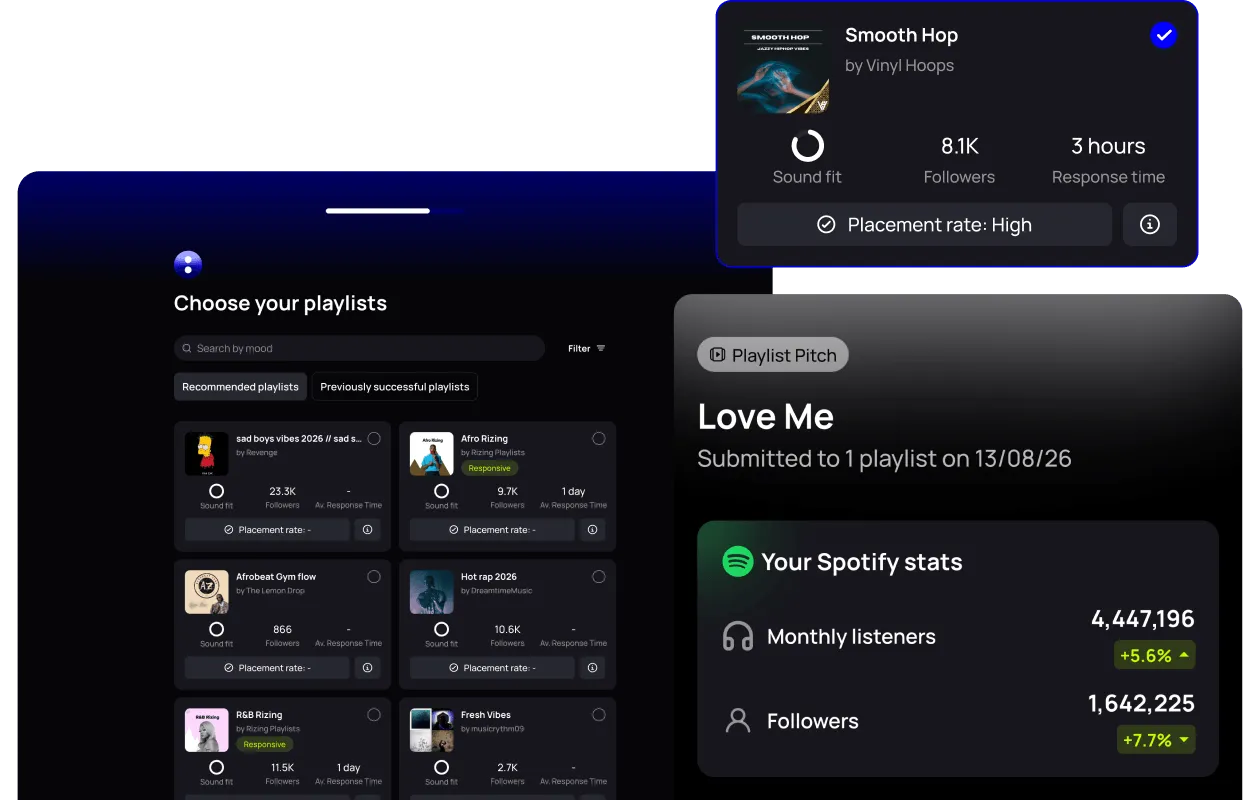
How to Build a Pre-Save and Fan Data Capture Strategy for Your Release
How to build a pre-save and fan data capture strategy for a single: where pre-save links come from, collecting fan emails with Fan Hub and what to measure.
By Sam Blackie, Head of Growth at un:hurd music
Last updated: 21 October 2026
Key Takeaways
- A pre-save campaign and fan data capture do two different jobs. The pre-save adds your release to listeners' libraries on release day, and a sign-up page such as Fan Hub collects the email addresses and phone numbers you can use on every release after this one.
- For a single, create your pre-save link with a smart link provider such as Feature.fm, Linkfire or Linktree, or through your distributor. Feature.fm is un:hurd music's partner, and members can get 3 months free through Partner Perks. Spotify's own Countdown Pages only cover new albums and EPs from artists with at least 3,000 monthly active listeners.
- Deliver your music early. Spotify needs 5 business days to get new music live, the release appears in the Upcoming tab of Spotify for Artists around 48 hours after your distributor submits it, and pitching at least 7 days before release puts the song in your followers' Release Radar.
- un:hurd music's Fan Hub is a link-in-bio page that collects fans' email addresses and phone numbers, reports visits and sign-ups, supports ad pixels and lets you export contacts to an email provider such as Mailchimp. You can add your pre-save link to it.
- Judge the campaign on your pre-save count and your Fan Hub sign-ups against visits. Some un:hurd music artists have collected around 300 Fan Hub sign-ups, though results vary a lot from artist to artist.
A pre-save and fan data capture strategy for a release uses two tools working together. A pre-save link from a smart link provider such as Feature.fm gets your song into listeners' libraries the day it comes out, and a sign-up page such as un:hurd music's Fan Hub collects email addresses and phone numbers that you own and can use for every release after this one.
This guide covers what fan data to collect, how to set up a pre-save for a single, how to put your links and sign-up form on one page, and how to tell which parts of the campaign are working.
What fan data should you capture from a release?
Capture an email address and, where fans are happy to give one, a phone number. These are the contact details you can use without a platform deciding who sees your message, and they stay with you if you change distributor or social platform.
A Spotify pre-save gives you a count rather than a contact list. On release day, pre-savers get a push notification and the release is added to their library, and Spotify for Artists shows you how many people pre-saved. That helps release week, but it doesn't give you a way to reach those listeners when your next single or a show comes round.
Ask for contact details directly, on a page where fans can see what they're signing up for. Fan Hub, un:hurd music's link-in-bio page, collects fans' email addresses and phone numbers for your own mailing list. The sign-up form asks for those two details only, which keeps it quick for fans to join. Fan Hub doesn't send emails itself, so you export your contacts and email fans through a provider such as Mailchimp.
How to set up a pre-save campaign for a single
For a single, create a pre-save link with a smart link provider such as Feature.fm, Linkfire or Linktree, or get one through your distributor, then share it from the day the release shows up in Spotify for Artists. Spotify's own Countdown Pages are only for new, original albums and EPs, and only for artists with at least 3,000 monthly active listeners (checked under Audience, then Segments), so singles need a pre-save link from elsewhere.
Feature.fm is un:hurd music's partner, and un:hurd music members can get 3 months of Feature.fm free through Partner Perks.
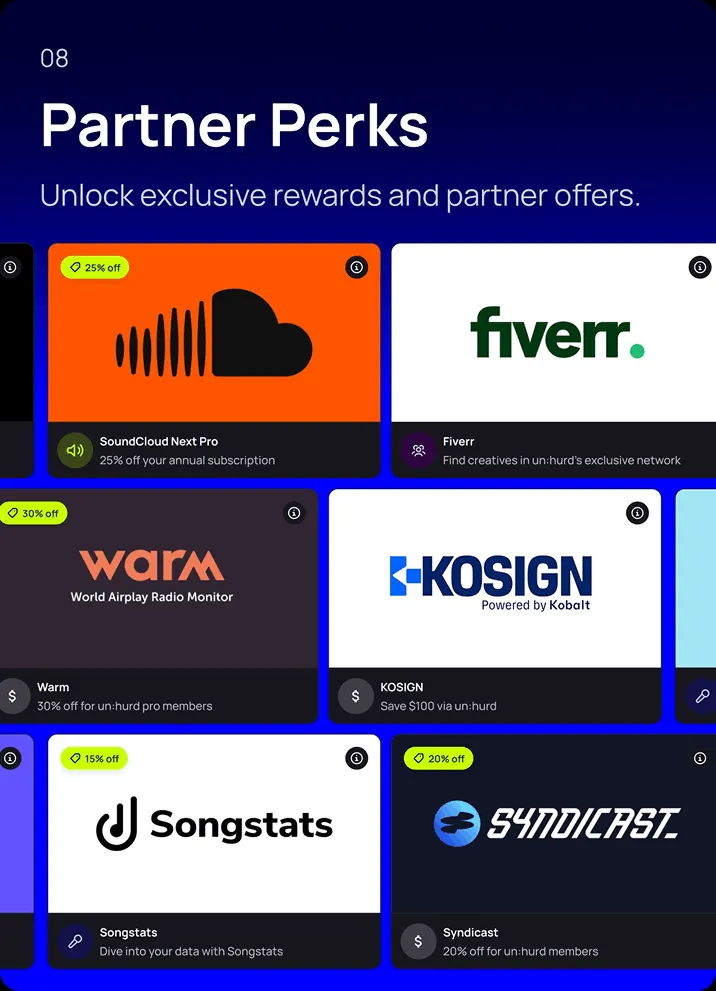
This order works whichever pre-save tool you use:
- Deliver the music to your distributor early. Spotify needs 5 business days to get new music live, and music delivered inside that window may go live a few days late. Delivering at least 7 days before release also gives Spotify's editors time to listen.
- Wait for the release to appear in Spotify for Artists. It shows under Music, then Upcoming, around 48 hours after your distributor submits it.
- Copy the release's URI from the Upcoming tab. Spotify for Artists offers it for pre-save campaigns, and your smart link provider uses it to build the link.
- Pitch the song to Spotify's editors from the same Upcoming tab at least 7 days before release, so it goes into your followers' Release Radar.
- Build your pre-save link, adding Apple Music pre-add and YouTube Music presave if your provider or distributor offers them, so fans can pick the service they use.
- Add the pre-save link to your Fan Hub and share the Fan Hub as your link in bio.
If your next release is an album or EP and you're over the 3,000 monthly active listener mark, a Countdown Page is worth setting up as well. Spotify says that on average nearly 60% of people who pre-save an album stream it in the first week.
Pre-save tasks in a release Planning Cycle
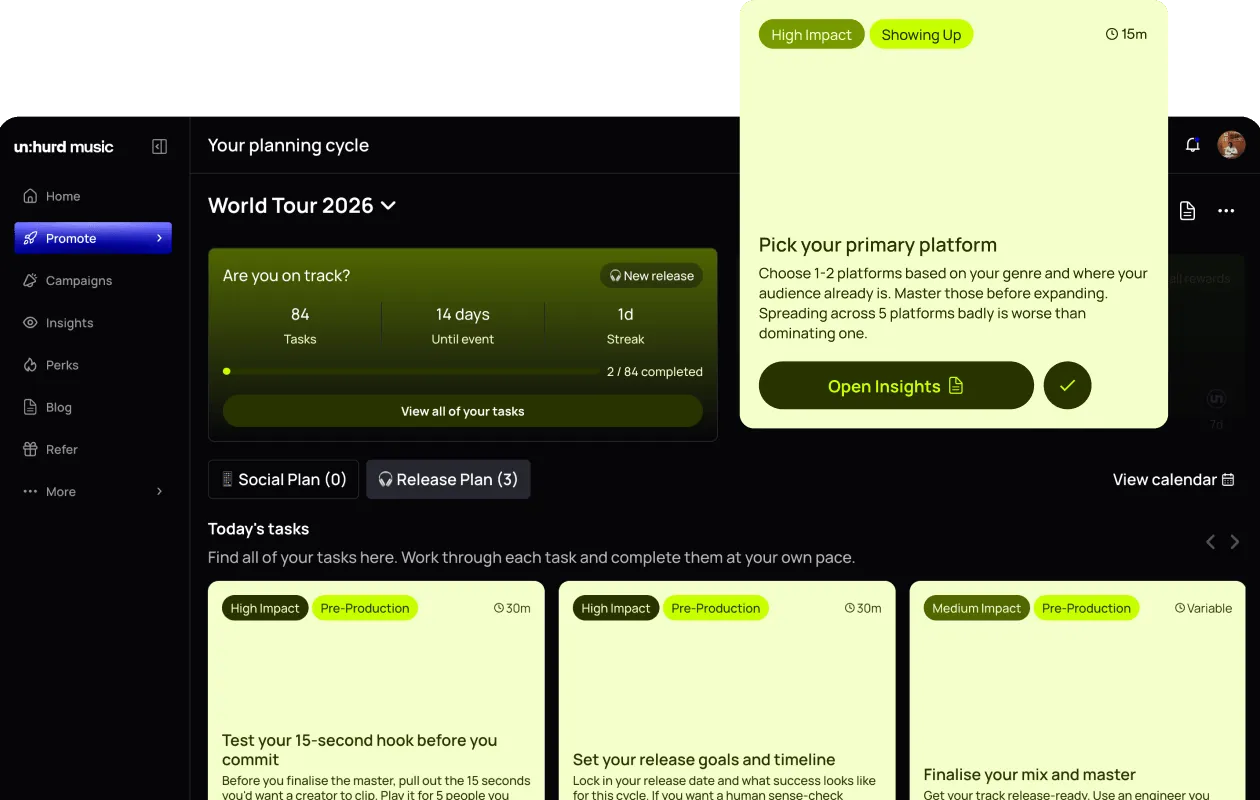
If you plan your release with a release Planning Cycle in un:hurd music, setting up your pre-save, pre-add and YouTube presave is one of the setup tasks. Spotify pre-save, Apple Music pre-add and YouTube Music presave each work slightly differently, and the task walks you through getting a link from your distributor so fans can choose how they listen and your release starts with saves stacked up on every service.
Promoting your pre-save link with ads
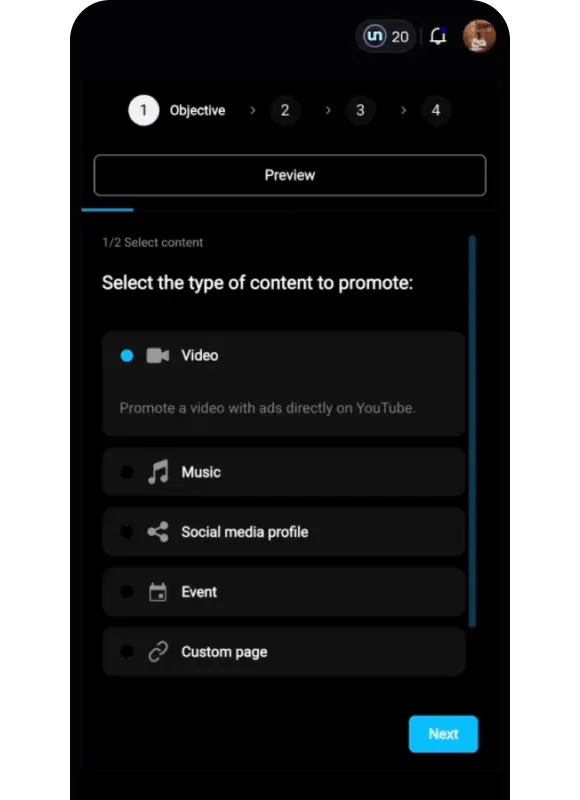
To put your pre-save link in front of new listeners, use un:hurd music's social ad tool and always choose custom page as the goal, with your pre-save link as the page you promote. The campaign runs on Facebook and Instagram and sends potential fans straight to the pre-save. Campaigns start from $100, you don't need your own ad account (only admin access to a Facebook Page), and the 20% ad fee comes out of the budget you set rather than on top of it. A release Planning Cycle also suggests the right moments in your release to run an ad.
How to build one fan hub for your links and sign-ups
Put your pre-save link, streaming links and sign-up form on one page and make it your link in bio. Fans then have one place to go from every post, and each visit can turn into a sign-up as well as a pre-save.
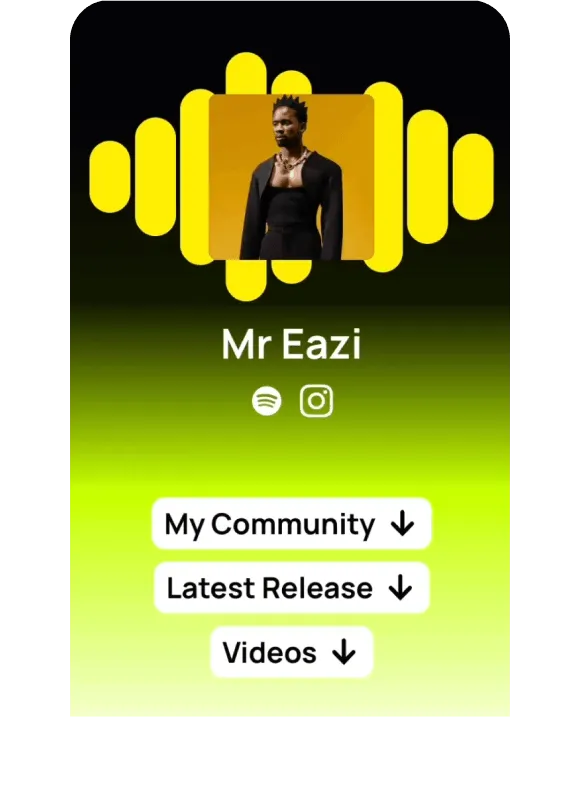
Fan Hub is built for this. You build it in minutes with a customisable design, and it can hold a bio, your new track and artwork, upcoming events and ticket links, featured YouTube videos, community links such as a WhatsApp group or Instagram broadcast channel, the social and streaming links from your profile, and custom links such as your pre-save. It includes a Buy Me a Coffee link so fans can support you directly, and it comes with both un:hurd music memberships (£12.99 a month or £69.99 a year).
Fan Hub supports ad pixels, so you can retarget people who visited your page with ads later on. You can also promote the Fan Hub itself with the social ad tool by choosing custom page as the goal and pointing it at your Fan Hub instead of the pre-save link.
Curlz is one artist using Fan Hub as their Instagram link in bio.
Smart Insights can tell you where a city-specific page would pay off. When your fan count in a city crosses 500 across your connected platforms, Smart Insights suggests building a Fan Hub email capture page for that city, so fans there are ready when you announce a show.
How to tell which links and pre-saves are working
Track two numbers for every release: pre-saves and Fan Hub sign-ups against visits. Pre-saves tell you how many listeners were ready on release day, and sign-ups tell you how many became contacts you can reach again.
- Pre-saves on a Countdown Page show in Spotify for Artists under Upcoming, then View Analytics. Before release the count is your current pre-savers, and after release it shows how many had pre-saved when the release came out. For a pre-save link, use your smart link provider's own reporting.
- Fan Hub reports visits and sign-ups. Lots of visits with few sign-ups usually means the sign-up needs to be easier to spot or the reason to join needs to be clearer.
- In release week, watch Spotify followers and saves alongside streams. A follow is a listener choosing to hear your next release, and Spotify says listeners are on average 3 times more likely to stream an artist in the 6 months after following them.
Fan Hub sign-ups vary a lot from artist to artist. Some un:hurd music artists have collected around 300, and the number for any one release depends on how often you share the page and what you offer people for joining.
A tip that works with any tools
Give fans a reason to sign up that goes beyond this one release, such as first news of a show in their city, and put it right next to the form. Then note your pre-save count and sign-up count for the release, so the next campaign has a baseline to beat.
The short version
Run your pre-save and your fan data capture as two jobs on one page. Get a pre-save link for your single from a smart link provider such as Feature.fm, Linkfire or Linktree or from your distributor, since Spotify's Countdown Pages only cover albums and EPs above 3,000 monthly active listeners. Deliver your music early, copy the URI from the Upcoming tab and pitch at least 7 days out. Put the pre-save link on a Fan Hub that collects emails and phone numbers, make it your link in bio, and measure pre-saves alongside sign-ups so you know how many fans you can reach next time.
If you've got a single on the way, start your 7-day free trial at app.unhurdmusic.com, build your Fan Hub with your pre-save link on it and make it your link in bio before you announce the release.
To compare pre-save tools side by side, read our guide to the best pre-save and smart link tools. For what to do with the contacts you collect, see the best fan capture and music CRM tools and our direct-to-fan marketing strategy guide. Our guides to planning your release, finding your first 100 fans and music marketing tools for independent artists cover the rest of the release.
About the author
Sam Blackie is Head of Growth at un:hurd music and has worked on artist ad strategy.