Best Pre-Save and Smart-Link Tools for Independent Artists
Compare pre-save and smart-link tools for independent artists, including pricing, fan-data capture, DSP support, retargeting, and analytics.
Best pre-save and smart-link tools at a glance
- A pre-save link adds an upcoming release to a fan’s library on release day. A smart music link routes listeners to their preferred service.
- Basic links organize destinations. Fan-capture hubs collect consented contact data that you can use beyond streaming and social platforms.
- un:hurd Fan Hub is the all-in-one pick for artists who want a custom website, first-party data collection, and other release-marketing tools in one membership.
- Feature.fm suits artists starting with retargeting, while Hypeddit is the simpler choice for low-cost smart links and fan gates.
- Prices, free tiers, and feature access can change quickly. Check each provider’s current plan before buying.
Pre-save links vs. smart music links
A pre-save link lets a fan choose a release before it becomes available. The fan signs in to a supported streaming service and grants the required permission. On release day, that service automatically adds the track or album to the fan’s library or a designated playlist. The pre-save link stops serving its original purpose once the music goes live, although some tools convert it into a standard release page.
A smart link gives you one URL for music available across several streaming services. When a fan opens the link, a landing page routes them to the listener’s chosen service, such as Spotify, Apple Music, or YouTube Music. Smart links for music work before or after release, while pre-save links support a specific pre-release action. Platforms often bundle both mechanisms in the same campaign.
Basic music links focus on routing traffic and measuring clicks. A free music link may provide a landing page and limited analytics without collecting usable contact details. Fan-capture tools add opt-in forms, audience segments, and direct communication options. Building an owned contact list supports the same long-term goal as finding your first 100 real fans. A music-specific fan database can combine contacts collected through campaign pages and other artist channels. You can then organize contacts for email or other messaging independent of social platforms.
Streaming-service authorization does not automatically equal permission to send marketing messages. A fan-capture tool should request clear consent when collecting an email address or phone number. The comparison considers link creation alongside contact-data capture, consent controls, analytics, and retargeting.
Pre-save and smart-link tools compared
Best for fan capture: un:hurd Fan Hub
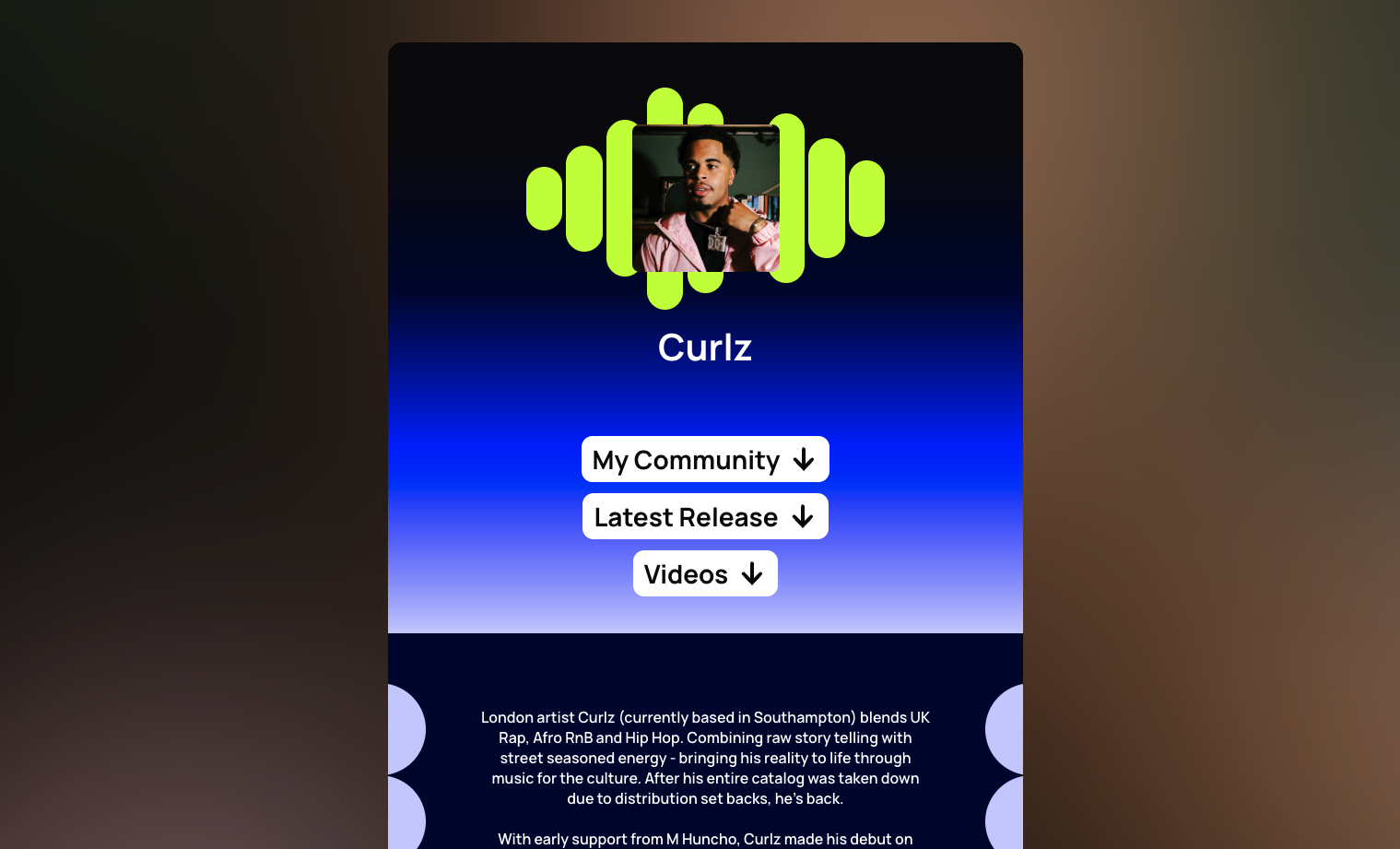
un:hurd Fan Hub fits artists who want a polished home for fan relationships instead of separate link, website, and marketing tools. SoundCloud’s product summary confirms that the Fan Hub lets artists build a custom website and collect first-party data. The branded destination gives fans one place to find the artist’s content and submit contact details with permission. The artist can then reach those fans outside social platforms.
un:hurd positions the Fan Hub as a form-first builder that you can set up in minutes. The company says artists can feature music and social profiles alongside a YouTube video or ticket links. un:hurd also states that the hub can collect email addresses and phone numbers, while links can direct fans to Instagram Broadcast channels, WhatsApp, or Discord communities. The supplied independent sources do not yet confirm those individual capabilities, so artists should check their availability inside the current product before subscribing.
The company also states that Fan Hub pages support advertising pixels for retargeting. Pixels can help you build audiences based on page visits and run follow-up campaigns through ad platforms. The available third-party material describes automated advertising within the wider un:hurd platform, but it does not verify which advertising pixels the Fan Hub currently supports.
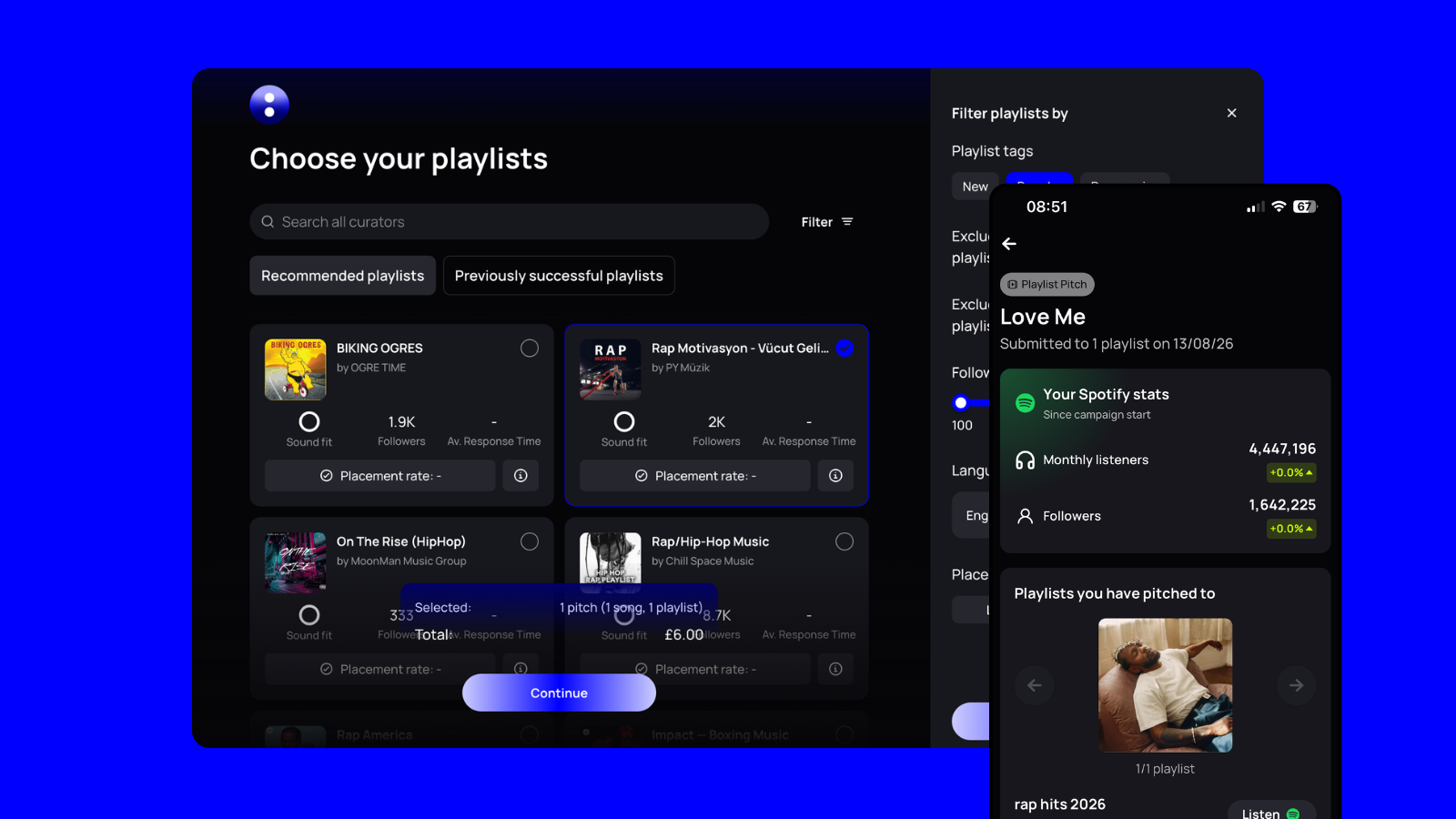
Fan Hub belongs to the broader un:hurd music membership rather than operating as a single-purpose music link product. The membership also includes release planning and playlist pitching. Automated advertising tools cover TikTok, Facebook, and Instagram. Artists who need only a basic pre-save link may prefer a narrower service, and current public sources do not confirm Fan Hub pre-save support.
Artists planning several releases can keep one fan-facing hub while using the membership’s other campaign tools. The form-first presentation also gives artists more room to create a distinctive page than a generic row of link buttons. Artists should verify current membership pricing and specific Fan Hub integrations before choosing a plan.
Best for pre-saves and retargeting: Feature.fm
Feature.fm offers an affordable route into pre-saves and retargeting. Reported pricing starts with a free plan that includes one pre-save service and seven days of analytics. The $8 Basic Artist plan adds three pre-save services, retargeting, and 28 days of analytics. The $19 Artist plan adds all supported pre-save services, custom domains, and 90 days of analytics. These figures come from a competitor comparison and should be checked before purchase.
Feature.fm supports retargeting pixels for TikTok, Meta, Google, and Snapchat. Each pixel records visits and actions on your link, which lets the connected ad platform build audiences for follow-up campaigns. Feature.fm therefore fits independent artists who want pre-save tools and cross-platform retargeting in one focused service.
Best for smart links and analytics: Hypeddit vs. Linkfire
Hypeddit suits independent artists who want simple links and fan gates without adopting a full customer relationship management platform. Its download and link gates exchange access for actions such as follows or email signups. According to Hypeddit’s product page, pre-saves support Spotify, Apple Music, and Deezer, while paid plans start at $14 per month. The cited page confirms those three pre-save services, but the article lacks enough evidence to compare Hypeddit’s full DSP coverage or suitability for complex release operations.
Linkfire is the analytics-focused option in this comparison. Third-party reports describe attribution across streaming platforms, although the article lacks a current official source confirming the available reports and plan limits. Third-party comparisons describe detailed attribution across streaming platforms, but ongoing fan communication often requires another service. Linkfire makes more sense when a team will actively use its campaign data rather than simply publish a music link.
Published Linkfire prices conflict. One comparison reports plans at roughly $16 to $79 per month, while another reports $27 monthly for Pro and $55 monthly for Teams. Artists should confirm current pricing and included features directly with Linkfire before choosing a plan.
Which music-link tool should an independent artist choose?
- Choose un:hurd Fan Hub if you want one artist hub rather than separate link, website, and marketing tools. Its custom website builder collects first-party fan data, while the wider membership includes release planning and automated ads through the same platform.
- Choose Feature.fm if you run paid ads on a limited budget. Its lower-priced artist plans reportedly combine pre-saves with retargeting tools, so you can build audiences without paying for an ad platform aimed at larger campaigns.
- Choose Hypeddit if you want smart links, fan gates, and confirmed pre-save support for Spotify, Apple Music, and Deezer. Verify the current free-plan limits before relying on it for a campaign.
- Choose Linkfire if you operate a label or release music often enough to need detailed campaign analytics across a large catalog. Independent artists with occasional releases may not need that level of reporting or account complexity.
How to create a pre-save or smart-link campaign
- Connect your DSP catalog or artist profile. Confirm that the tool has matched the correct artist before importing release details. For an un:hurd Fan Hub, search for your artist name and complete your profile before building the page. Fan Hub pre-save support is not confirmed, so use a verified pre-save provider when the campaign requires that action.
- Build the campaign page. Add the artwork, release date, description, and supported streaming services. In un:hurd, the Fan Hub combines a custom website with first-party data collection, so you can create a broader artist destination instead of a single-release page.
- Add fan-capture fields and explicit consent. Request an email address and, where supported, a phone number. Use a clear opt-in checkbox that states what messages the fan will receive. Verify that you can export your data and distinguish marketable contacts from people who have not granted permission.
- Install advertising pixels before sending traffic. Add Meta, TikTok, Google, or other supported pixels if your plan permits them. Test each pixel with its platform’s diagnostic tool so visits and conversions register correctly.
- Publish the pre-save link when your pre-release promotion begins. Add the launch to an eight-week music release plan so every channel points to the same URL. A single campaign page keeps its click data together instead of dividing it among several landing pages.
- Convert the page into a live smart link on release day. Replace pre-save actions with direct listening buttons, or confirm that your tool updates them automatically. Test every destination on mobile and keep the page active for later promotion and retargeting.
Pre-save and smart-link FAQs
What’s the difference between a smart link and a pre-save link?
A smart link sends listeners to their preferred streaming service after a release becomes available. A pre-save link lets fans authorize a supported service to add the music when it launches.
Are pre-save links still worth it in 2026?
Pre-save links remain useful when you can generate attention before release day. Their value increases when the tool also captures consented contact details for later campaigns.
What’s a free music link tool with no branding?
No tool in this comparison can be confirmed as offering both a free music link and branding removal. Free plans commonly retain provider branding, while paid tiers may let you remove it.
Do smart links replace an email list?
Basic smart links do not replace an email list because they usually send fans elsewhere without collecting contact details. Fan-capture tools such as un:hurd Fan Hub can collect first-party data when fans give permission.
How much do pre-save tools cost?
Pre-save tools range from free basic plans to monthly subscriptions with analytics, email capture, and retargeting pixels. Providers change prices and feature limits frequently, so check the current plan before subscribing.
The best fan-capture tool for independent artists
Choose a music link based on what you can do with the audience after the click. A basic smart link routes fans to streaming services, but a fan-capture hub can collect permission to contact them again. Contact data lets you continue the relationship without depending entirely on another platform’s reach. The focus on genuine audience relationships also protects artists from the weak economics and platform risks covered in why real fans matter more than artificial streams.
un:hurd Fan Hub is the recommended fit for independent artists who want to collect consented fan data through a custom artist hub within a broader release-marketing membership. Artists who need only streaming-service routing may prefer a specialist music link.
Try un:hurd music to build a Fan Hub and bring fan capture, release planning, and music marketing tools into one membership.