How to Build a Direct-to-Fan Marketing Strategy as an Independent Artist
Build a direct-to-fan marketing strategy with un:hurd music. Capture fan emails and phone numbers with Fan Hub, spot ready cities and reach fans who'll buy.

By Sam Blackie, Head of Growth at un:hurd music
Last updated: 9 October 2026
Key Takeaways
- A direct-to-fan marketing strategy means building a way to reach your fans that you own, usually an email list and a list of phone numbers, so you can tell them about releases, shows and merch without relying on an algorithm to show them your posts.
- un:hurd music gives independent artists the whole setup in one place. Fan Hub captures fans' emails and phone numbers, Smart Insights tells you which cities are ready for a show, the social ad tool reaches fans in those cities, and Planning Cycles turn it into a step-by-step plan.
- Fan Hub is a link-in-bio micro website included in both the monthly (£12.99 a month) and annual (£69.99 a year) un:hurd memberships. It reports visits and sign-ups, supports ad pixels for retargeting, and lets you export your contacts into an email provider such as Mailchimp.
- The strongest sign fans in a city are ready to buy a ticket is a growing fanbase there. When Smart Insights sees a city pass 500 fans, it suggests building a Fan Hub email capture page for that city so fans are ready when a show is announced.
A direct-to-fan marketing strategy is a plan for reaching your fans through channels you own, such as an email list or text messages, so you can sell tickets, merch and new music to them directly. For an independent artist, it starts with one place that collects fans' contact details, a clear reason for fans to sign up, and data that tells you where your fans are and when to act.
un:hurd music is built to run that strategy from one app. You collect contacts with Fan Hub, read your streaming and social data together in Smart Insights, and act on it with Planning Cycles and the social ad tool, instead of stitching together a website builder, a form tool, a spreadsheet and an ads account.
Why your own fan list matters more than your follower count
The size of your fan list is the number of people you can contact directly when you've got a show, a release or merch to sell. Followers on Instagram, TikTok or Spotify are valuable, but each platform decides who sees what you post.
There's a lot of music competing for attention. Luminate's 2025 year-end report counted about 106,000 new tracks delivered to streaming services every day, and 88% of tracks on streaming services had fewer than 1,000 streams across the whole year (Music Business Worldwide). With that much new music arriving, a fan who heard you once can easily lose track of you. An email or a text when you've got a new single or a show near them closes that gap.
A direct-to-fan list also travels with you. If a platform changes how it shows posts, the contacts you've collected in Fan Hub are still yours to export and use.
Step 1: Set up a Fan Hub that captures emails and phone numbers

The first step in a direct-to-fan strategy is one page that every link in your bio points to, with a signup form front and centre. un:hurd music's Fan Hub is built for exactly this job, and it's included in both un:hurd memberships, so there's no extra tool to pay for.
Fan Hub is a link-in-bio micro website you build in minutes with un:hurd's builder, and you can customise the design. A Fan Hub can include:
- a sign-up form that collects fans' email addresses and phone numbers for your own mailing list
- your new track and artwork
- upcoming events and ticket links
- featured YouTube videos
- your social and streaming links, plus any custom links
- community links, such as a WhatsApp group or an Instagram broadcast channel
- a bio, which AI can help you write
- a Buy Me a Coffee link, so fans can support you directly
Fan Hub reports how many people visit and how many sign up, so you can see whether the page is working and change your offer if it isn't. It also supports ad pixels, which means you can retarget people who visited your Fan Hub with ads later, even if they didn't sign up that time.
Curlz (@curlzofficial_) is one of the artists already using Fan Hub as their Instagram link in bio, so every visit from their profile lands on a page that can turn a listener into a contact.
If you want to see how Fan Hub sits next to other link-in-bio and fan capture tools, our comparison of the best fan capture and music CRM tools covers the options side by side.
Step 2: Give fans a reason to sign up
Fans sign up when they get something for it. A form that only says "join my mailing list" asks for an email address and offers nothing back.
Some reasons that tend to work for independent artists:
- early access to tickets before they go on general sale
- the first listen of a new single, or a demo that isn't on streaming services
- a heads-up when you announce a show in their city
- a discount code or first pick on new merch
- behind-the-scenes posts you don't share anywhere else
Tell people about the offer where they already see you. Mention it at the end of a TikTok, pin a post about it on Instagram, and say it from the stage at gigs. Then make sure the link they tap goes straight to your Fan Hub, and keep an eye on its visits and sign-ups to see which offer lands.
A practical tip that works on any platform: ask for a fan's city when they sign up, or work it out from where they found you. It takes seconds and it's what makes Step 3 possible.
How many sign-ups to expect varies a lot from artist to artist. Some artists using Fan Hub have collected around 300 contacts, and the number depends on how often you point people to it and what you offer for signing up.
Step 3: Export your list and group fans by city
Once fans start signing up, export your Fan Hub contacts and import them into an email provider such as Mailchimp to send your updates. Fan Hub doesn't send emails itself, so the export is how your list reaches your inbox tool of choice.
Group your fans by city as soon as you have enough contacts to make it worthwhile. A show announcement sent only to fans near the venue is more useful to them than a blanket email to everyone, and it means fans elsewhere aren't hearing about gigs they can't get to. Smart Insights in un:hurd already counts your fans per city across your connected platforms, so you know which cities deserve their own email before you write it.
Keep your sends regular and useful. A short email when you have a release, a show or merch to share keeps fans used to hearing from you, so they open the one that matters. Our guide to building a superfan strategy goes further into what to send your most engaged fans.
Which signals show a fan is ready to buy a ticket or merch
The clearest sign fans are ready to buy is that they've taken an action beyond listening once, in a place where you can reach them. Following you, streaming you on purpose, signing up to your Fan Hub and opening your emails all show interest that's more likely to turn into a ticket or a T-shirt.
Spotify's own figures support this. Spotify says listeners who actively stream a song play that artist 4 times more over the next six months (Spotify for Artists), and that listeners are 3 times more likely to stream an artist in the six months after following them (Spotify for Artists). The audience segments view in Spotify for Artists also picks out your super listeners, the people who've streamed you intentionally 15 or more times in the last 28 days.
Location is the signal that turns interest into a ticket sale, and it's where un:hurd does the work for you. Smart Insights reads your streaming and social data together, counts your fans per city across all your connected platforms, and tells you the next move in plain language. un:hurd flags moments like these:
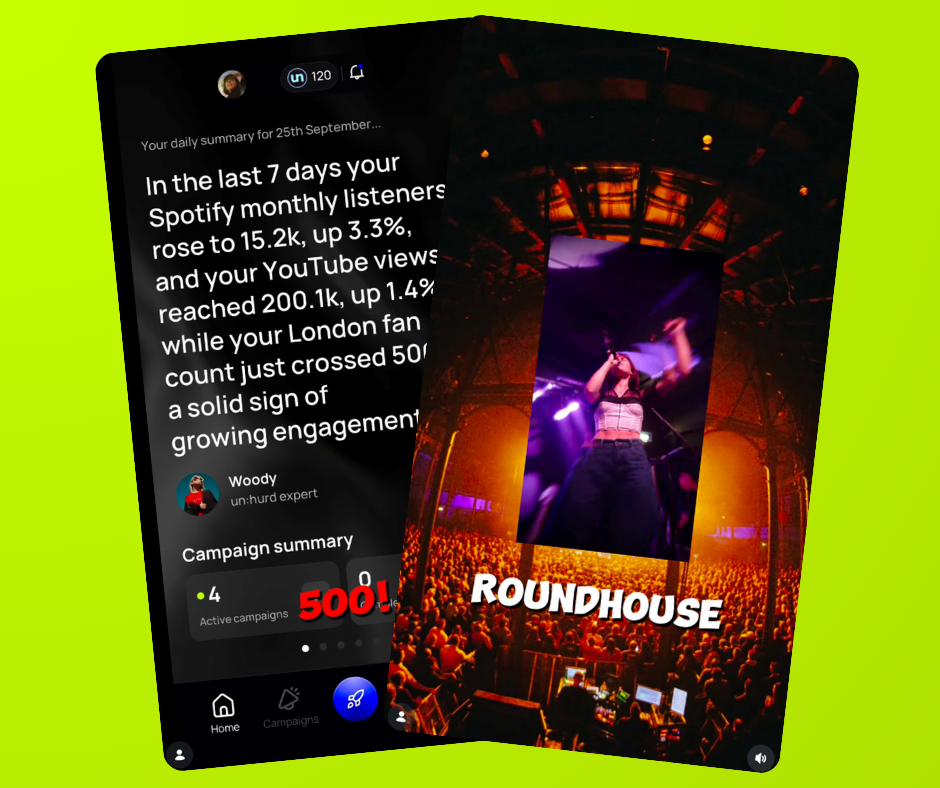
- When a city's fan count crosses 500, Smart Insights points out that the fanbase could be enough to sell out a small show, and suggests building a Fan Hub email capture page for that city so fans are ready when a show is announced.
- When your Shazams jump to more than three times the previous day's count, Smart Insights suggests a geo-targeted ad in the city where Shazams are highest, which you can run straight from the social ad tool.
- When your follower growth doubles in a week, Smart Insights suggests a Creative Planning Cycle, with content that gives new followers a reason to stick around.
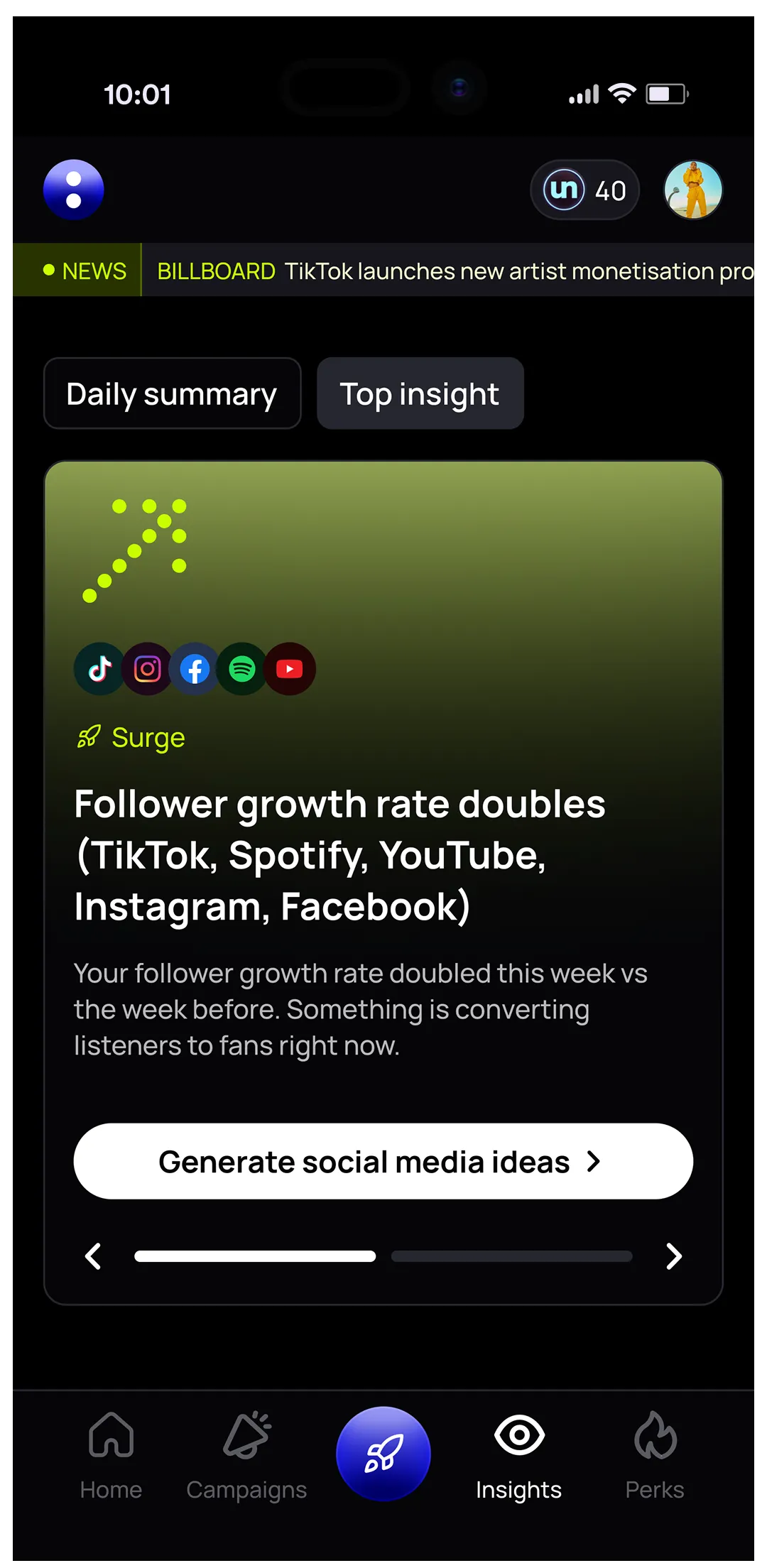
Your daily summary in un:hurd leads with your biggest highlights and opportunities, so signals like these reach you without digging through several dashboards.
Katya (@katyatheartist) is one example of acting on a city signal. Smart Insights flagged her London fan count passing 500 and recommended a live show there. She went on to support Parra For Cuva at the Roundhouse in London in October 2026, using a Live Planning Cycle to build awareness in the run-up.
Alex Brees, founder of un:hurd, puts the problem many artists have with these signals like this: "The biggest mistake is artists don't know what to do with their data or what they are looking for. So it causes confusion and people end up not doing anything in fear of making the wrong choice." Smart Insights is designed around that problem, pairing each signal with one recommended action.
How un:hurd automates the fan journey
A direct-to-fan strategy works best when each step hands over to the next one without you rebuilding it by hand. In un:hurd, the steps connect inside one app:
- Fan Hub captures the contact, reports visits and sign-ups, and lets you retarget visitors with ad pixels.
- Smart Insights watches your connected streaming and social profiles and flags the city, track or moment worth acting on.
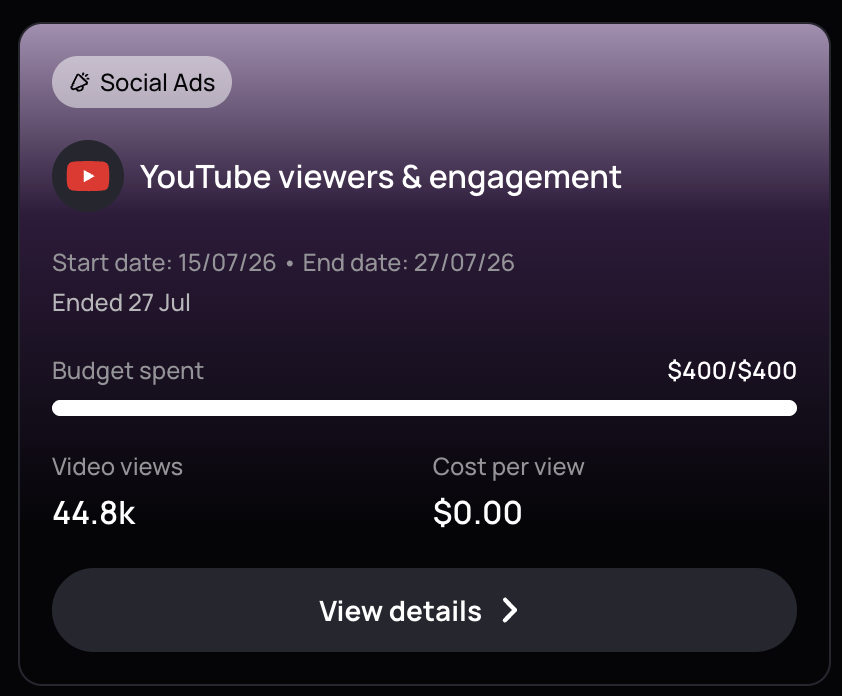
- The social ad tool runs campaigns on Spotify, Meta, TikTok and YouTube without you needing your own ad account. un:hurd sets the targeting from your data, and in advanced targeting you can pick the cities Smart Insights has flagged. You can also promote your Fan Hub itself by choosing custom page as the goal, so people who tap the ad land on your sign-up form.
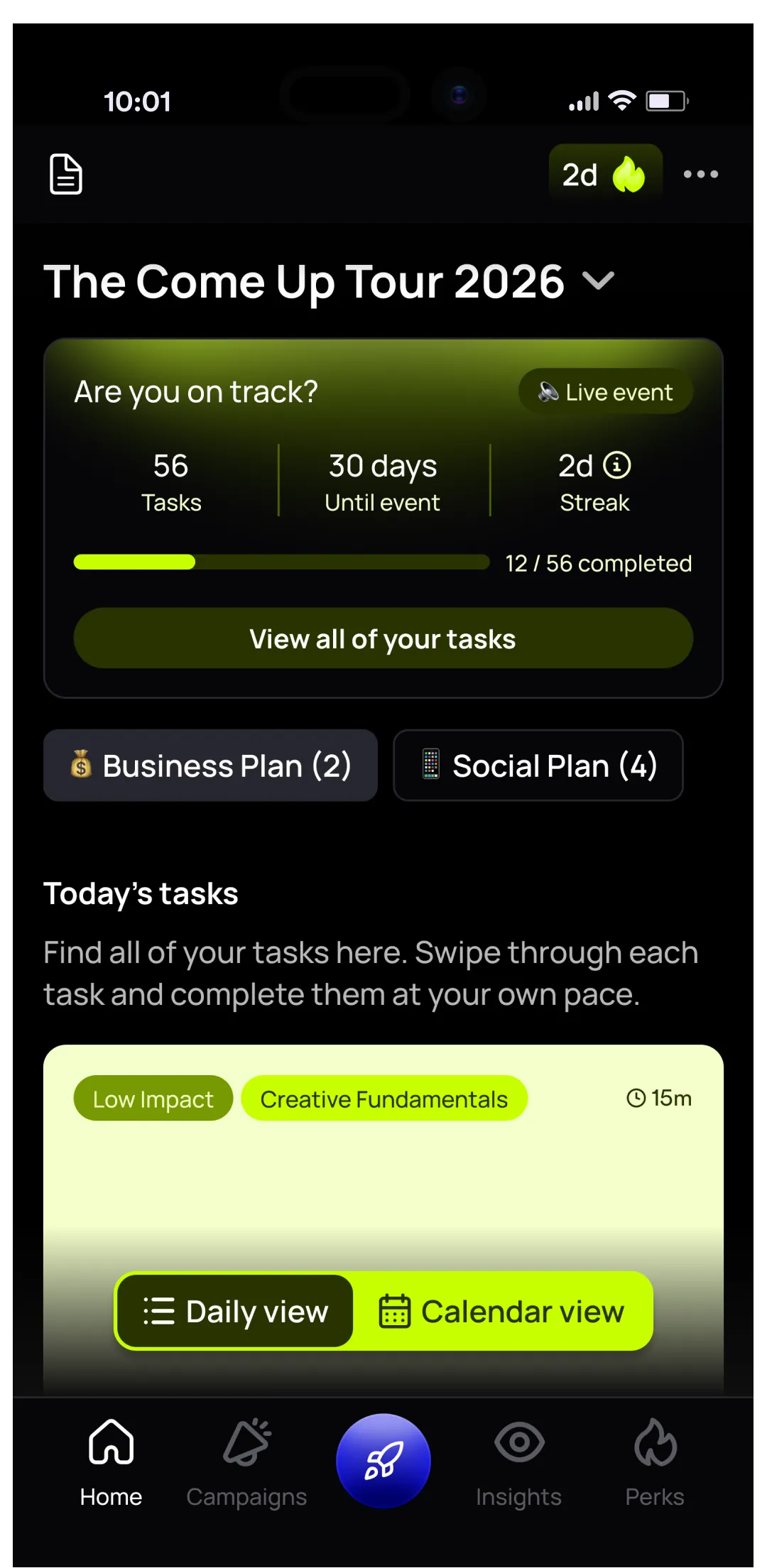
- Planning Cycles build a marketing plan around your time and your goal, whether that's a release, live shows, content or the business side, and walk you through each task in order.
.webp)
Setup is quick too. When you sign up and connect Spotify, un:hurd connects all the social and streaming profiles it can find for you, so your Fan Hub links and your insights start from your real data on day one.
When a full music CRM is worth it, and when it isn't
A full music CRM, a tool that stores every fan's details, history and purchases in one place, is worth it once you're selling regularly to a list big enough to segment in many ways, such as a large merch store with purchase history to track.
For most independent artists, un:hurd covers what a direct-to-fan strategy needs: Fan Hub to collect contacts, Smart Insights to show where your fans are and when to act, the social ad tool to reach them, and an email provider for the sends. If you outgrow that later, your Fan Hub contacts export, so nothing you've built is locked in.
The short version
A direct-to-fan marketing strategy gives you a way to reach fans that no platform controls, through email addresses and phone numbers you collect yourself. un:hurd music lets you run it from one app. Build a Fan Hub as your link in bio to capture contacts, give fans a clear reason to sign up, and export your list into an email provider to group fans by city. Let Smart Insights tell you when a city is ready, then act on it with the social ad tool and a Live Planning Cycle.
Build your Fan Hub in un:hurd today, point your link in bio to it, and start collecting fans' emails and phone numbers this week. Fan Hub is included in both memberships, from £12.99 a month.
For more on growing the audience you're capturing, read our guide to finding your first 100 fans, the original Fan Hub announcement and our explainer on Smart Insights.
About the author
Sam Blackie is Head of Growth at un:hurd music and has worked on artist ad strategy.