How to Promote a Music Video in 2026: A Step-by-Step Guide for Independent Artists
How to promote a music video as an independent artist in 2026. Covers pre-release teasers, YouTube SEO, short-form clips, press outreach, and paid promotion.
Key Takeaways
- The promotion work you do before uploading your music video matters more than anything you do after. A 2-3 week pre-release campaign builds anticipation and ensures you have an audience waiting on premiere day.
- YouTube is a search engine, not just a video platform. Optimising your title, description, tags, and thumbnail for search is what keeps your video being discovered months after release.
- Cut your music video into 5-10 short clips for TikTok, Instagram Reels, and YouTube Shorts. These short-form clips will drive more new viewers back to the full video than any other single tactic.
- Use YouTube Premiere rather than a standard upload. The countdown and live chat create an event moment that generates the early engagement signals YouTube's algorithm rewards.
- A music video promotion plan works best when it's part of your broader release strategy, not a separate campaign. When your video, single, playlists, socials, and press all work together, each channel amplifies the others.
You've Made the Video. Now What?
You spent weeks (maybe months) on the concept, the shoot, the edit. And now you've got a finished music video sitting on your hard drive.
This is where most independent artists go wrong. They upload it to YouTube, share it on Instagram, ask their mates to watch it, and move on. Two weeks later, the view count has barely moved and they're already thinking about the next release.
The video itself is only half the work. The other half is giving it the best possible chance of being seen. And that work starts before you upload, not after.
Here's the full plan, broken into three phases: what to do before you release the video, what to do on launch day, and how to keep it growing afterwards.
Phase 1: Pre-Release (2-3 Weeks Before)
The goal of the pre-release phase is simple: make sure people know the video is coming and give them a reason to show up on day one. Early view velocity (how many views you get in the first 24-48 hours) is one of the strongest signals YouTube uses to decide whether to recommend your video to new viewers.
Tease the video on socials
Start posting behind-the-scenes content from the shoot 2-3 weeks before the video drops. This could be:
- Short clips of the shoot in progress (the set, the crew, the costume changes, the funny moments between takes)
- Still photos from filming
- A 5-10 second teaser clip that hints at the visual story without giving it away
- A "making of" Story or Reel showing how the video came together
The point isn't to reveal the video. It's to build curiosity and signal that something is coming. Each teaser post is a reminder that creates anticipation.
For more ideas on turning one piece of content into a full campaign, our guide on how to repurpose your content across socials covers exactly this.
Set a release date and announce it
Pick your premiere date and tell people. Post a specific date announcement with a countdown visual. Pin it to your Instagram grid. Add it to your YouTube channel banner. Put it in your bio.
A specific date creates commitment. "New video coming soon" is forgettable. "New video premieres Thursday 17th July at 7pm" gives people something to put in their calendar.
Set up a YouTube Premiere
Upload your video to YouTube in advance and schedule it as a Premiere rather than a standard upload. A Premiere creates a public countdown page with a shareable link, and when the video goes live, it plays for the first time with a live chat where you can interact with viewers in real time.
This matters because YouTube treats a Premiere as an event. The countdown page generates pre-views and early engagement, and the live chat during premiere drives comments and watch time, both of which signal to YouTube's algorithm that this is content worth recommending.
Share the Premiere link everywhere: your Instagram bio, your email list, your Discord or WhatsApp community, your Stories. The more people who land on that countdown page before launch, the stronger your day-one performance.
Build anticipation with your existing audience
If you have an email list (even a small one), send a dedicated email 3-5 days before the premiere. Give them a first look at a frame or clip, tell them the story behind the video, and include the Premiere link. Your email subscribers are your most engaged fans, and getting them to show up on day one makes a real difference to your early view count.
If you have a Discord, WhatsApp group, or any kind of direct community, brief them early and ask them to be there for the Premiere. These are the people most likely to watch, comment, and share.
Should you release the video on the same day as the single?
This is worth thinking about. Releasing both simultaneously gives you one big promotional moment, but it means all your audience's attention is split across two platforms (Spotify and YouTube) on the same day.
An alternative approach that many artists are finding effective: release the single first (on a Friday, to align with New Music Friday editorial windows), let it build streaming momentum for a week or two, then premiere the music video as a second promotional event. This gives you two distinct moments of attention instead of one, and each reinforces the other. The single drives curiosity for the video, and the video drives streams back to the single.
There's no single right answer. It depends on your audience and how much promotional energy you have. But think about it strategically rather than defaulting to same-day.
Phase 2: Launch Day
Launch day is about maximising the initial burst of views, engagement, and shares. The signals you generate in the first 24-48 hours have an outsized influence on whether YouTube recommends your video to new viewers beyond your existing audience.
Go live in the Premiere chat
Be present in the live chat during your Premiere. Reply to comments, react to what people are saying, answer questions, and genuinely engage. This isn't a performance. It's a conversation with the people who showed up for you.
Active chat during a Premiere consistently drives higher initial engagement rates compared to standard uploads. YouTube sees an active comment section and interprets it as a signal that viewers are genuinely interested, which feeds into recommendation decisions.
Post the full video link everywhere
The moment the Premiere goes live, share the link across every platform:
- Instagram Story with a direct link (and a "link in bio" post if you don't have the swipe-up feature)
- TikTok bio link (and a short clip directing people to the full video)
- Twitter/X with the YouTube link
- Facebook page and any relevant groups
- Your email list (a short "it's live" email with the link)
- Your Discord, WhatsApp, or community channels
Pin a YouTube comment
Pin a comment on the video that includes links to the song on Spotify, Apple Music, and your other streaming profiles. This turns your video into a gateway to your streaming platforms and makes it easy for new viewers to find your music elsewhere.
Engage with every comment
In the first 48 hours, reply to every single comment on the video. Not with a heart emoji, with an actual reply. If someone says they love the track, ask them which part hit them hardest. If someone shares it, thank them personally. If someone asks a question about the video concept, answer it.
This engagement signals to YouTube that your video is generating genuine interaction, and it makes the people who commented feel seen, which makes them more likely to come back for your next release.
Phase 3: Post-Release (Weeks 1-4 and Beyond)
This is where most artists stop. The video is live, they've shared it a few times, and they move on. But the post-release phase is where the real growth happens, because YouTube rewards videos that continue generating views and engagement over time, not just on day one.
Cut short-form clips for TikTok, Reels, and Shorts
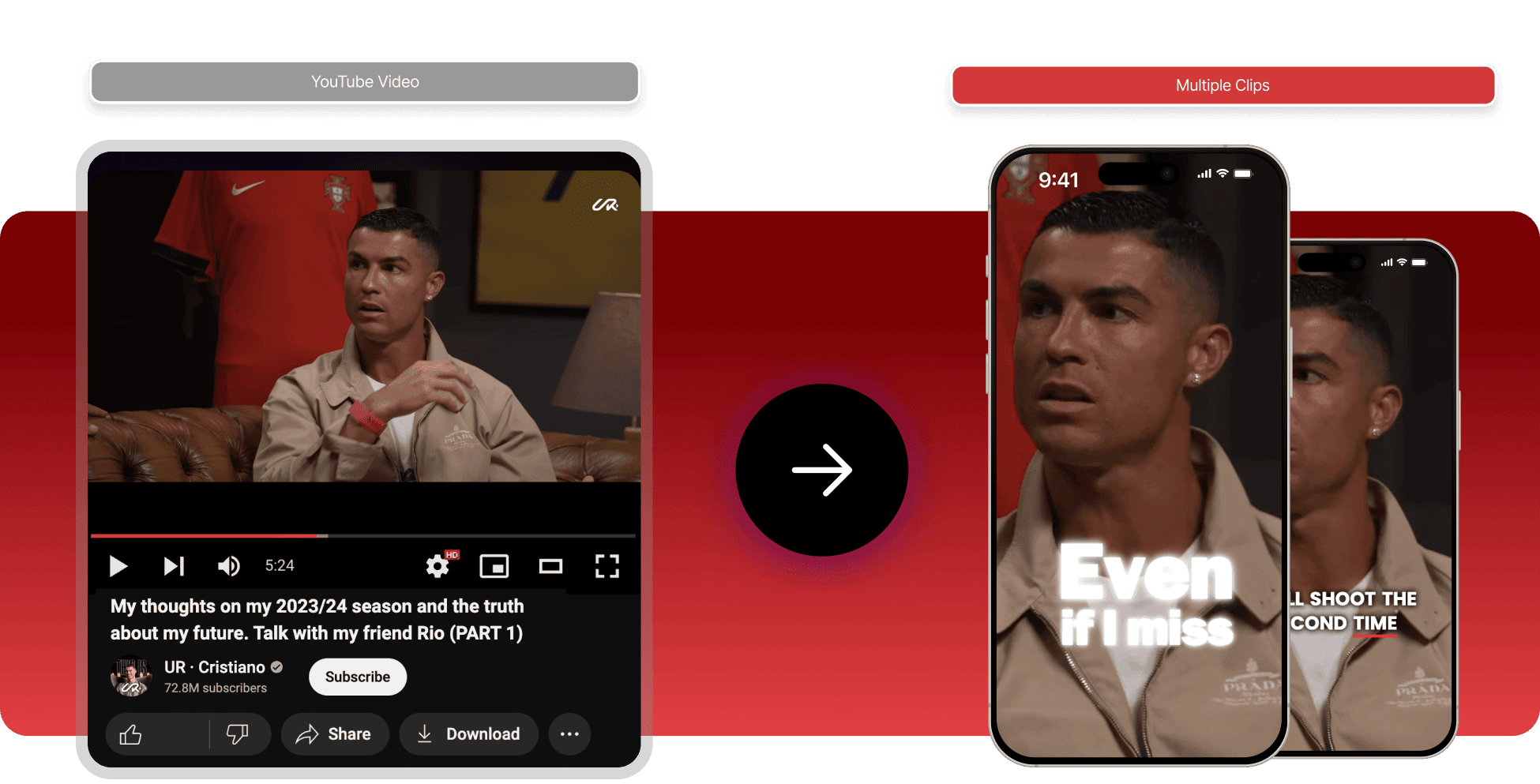
This is the single most impactful post-release tactic. Take your music video and cut it into 5-10 short clips (15-30 seconds each) for TikTok, Instagram Reels, and YouTube Shorts.
Each clip should:
- Feature the most visually striking or emotionally compelling moment from that section of the video
- Work as a standalone piece of content (someone who hasn't seen the full video should still be interested)
- End with a hook that drives curiosity to watch the full thing ("full video on YouTube" or "link in bio")
Release these clips over 2-4 weeks, not all at once. Each one is a fresh piece of content that drives new viewers back to the full video. Short-form clips consistently outperform any other organic method for driving YouTube views because they reach people who aren't already following you.
For guidance on choosing the most effective clip from your track, we've written about how to use the right part of your song for TikTok. The same principles apply to video clips.
Optimise the YouTube upload for search
YouTube is the world's second-largest search engine, and your video can continue being discovered through search for months or years after upload. But only if it's optimised properly.
Title: Use the format "Artist Name - Track Name (Official Music Video)." This is the standard format that YouTube users search for. If you want to add descriptive keywords, do it after the standard format: "Artist Name - Track Name (Official Music Video) | Indie Rock 2026."
Description: The first 2-3 lines are what appear in search results before the "Show more" click. Use them for a natural description of the song and video (genre, mood, what it's about). Below that, include links to the song on Spotify, Apple Music, and other platforms, links to your socials, full credits, and a brief paragraph about you as an artist.
Tags: Include your artist name, track name, genre, subgenre, similar artists, and terms like "official music video" and "new music 2026." Tags are less powerful than they used to be, but they still help YouTube understand your content category.
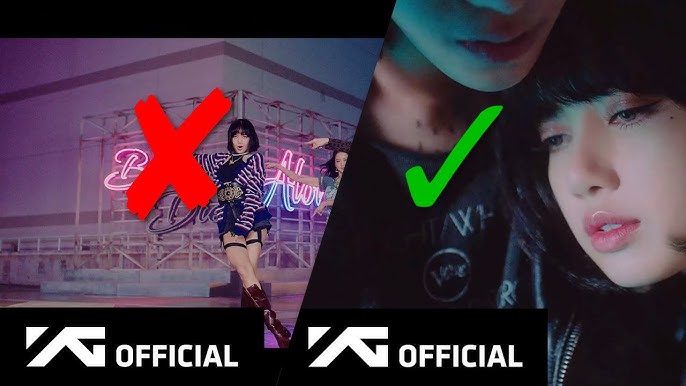
Thumbnail: Your thumbnail is the single biggest factor in whether someone clicks on your video in search results or recommendations. Use a high-quality still from the video (or a custom shot), add bold readable text if appropriate, and make sure it looks clear at small sizes (most people see it on mobile). Bright, high-contrast thumbnails tend to outperform dark ones.
For a full guide on setting up your YouTube channel for success, check out YouTube for Artists: Setting Up Your Channel and YouTube Setup Best Practices.
Pitch to blogs and press
Music videos give you a genuine reason to reach out to blogs, online magazines, and music publications. Many publications run "video premieres" where they feature a new music video exclusively or alongside a short interview or write-up. This generates press coverage, a backlink to your YouTube video, and exposure to the publication's readership.
Pitch music blogs and publications 1-2 weeks before your video drops, offering them a premiere or exclusive first look. Even if they don't want an exclusive, many will cover a new music video from an independent artist if the pitch is concise and the video is strong.
For practical outreach guidance, our guide to reaching out to tastemakers covers the principles of pitching press effectively.
Submit the song to playlists (if you haven't already)
If you timed your single release before the video, your playlist pitching should already be underway. If the single and video released together, make sure you're actively pitching to playlists using the video as part of your pitch context. A music video signals professionalism and investment in the release, which makes curators more likely to take your submission seriously.
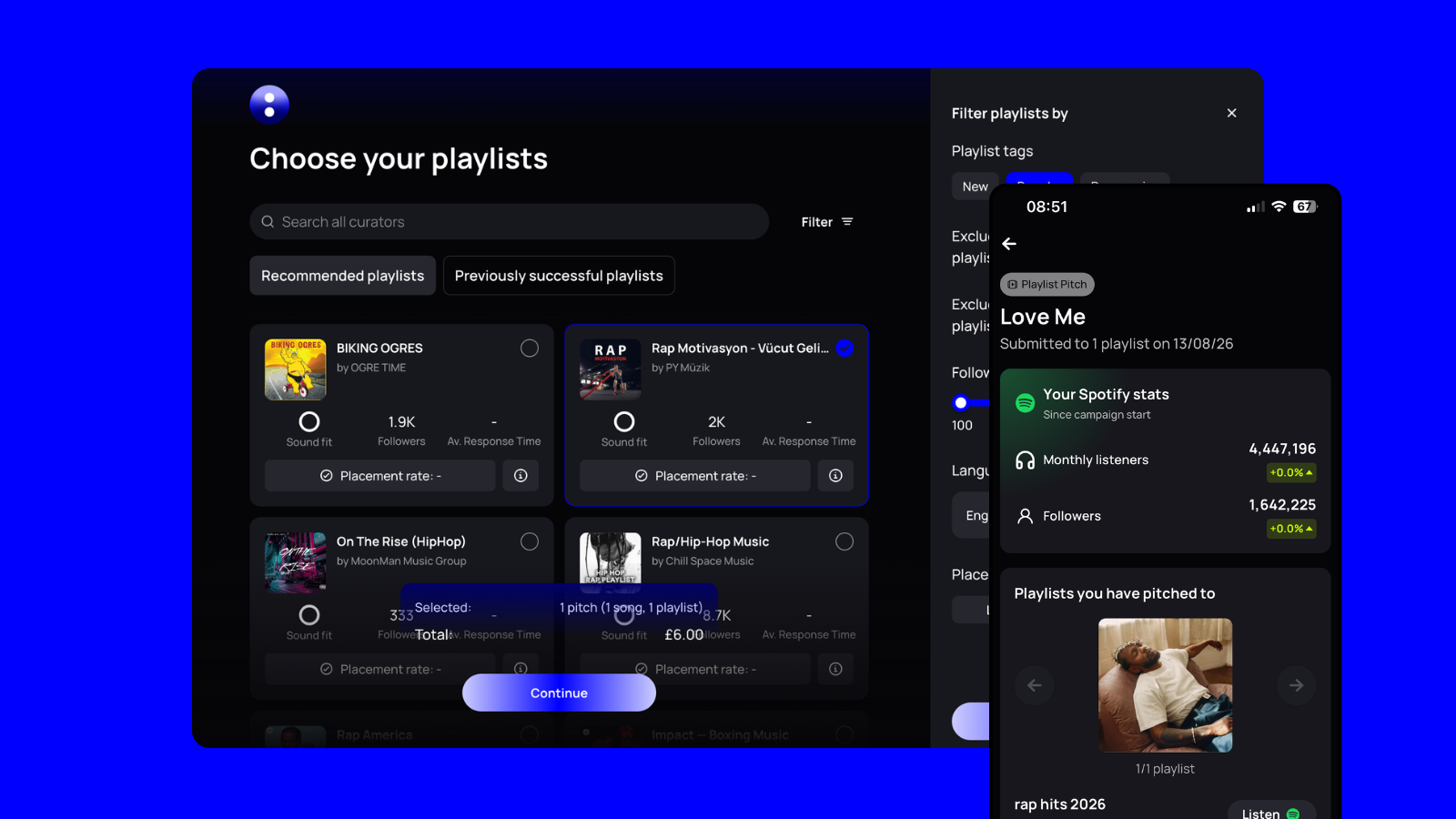
If you're using un:hurd's playlist matching, your song is already being matched to curators whose listeners enjoy similar music. The video gives you an additional proof point when curators check your profile.
For more on playlist submission methods, our guide to free Spotify playlist submission covers every free route available.
Consider paid promotion (if you have budget)
If you have even a small budget (£100-300), targeted ads can meaningfully accelerate your video's growth.
YouTube Ads (TrueView) let you place your video as a pre-roll ad before similar artists' content. You only pay when someone watches 30+ seconds, which means you're only paying for genuine views. Start with a narrow audience targeted at fans of 3-5 artists in your genre, and scale from there based on what's working.
Meta Ads (Instagram and Facebook) are effective for driving traffic from social to YouTube. Use one of your best short-form clips as the ad creative with a CTA to watch the full video.
un:hurd's ad builder can help you set up and manage paid campaigns as part of your release plan if you want to go this route.
How Music Video Promotion Fits Into Your Release Strategy
A music video isn't a standalone project. It's one of the most powerful assets in your release campaign, but it works best when it's connected to everything else you're doing.
When your video premiere, your single release, your playlist pitching, your social content, and your press outreach are all coordinated around the same timeline, each channel feeds the others. YouTube views drive Spotify streams. Playlist placements drive YouTube searches. Press coverage drives both. Short-form clips on TikTok and Reels reach new audiences who flow into your full video and your streaming profiles.
This is where having a structured release plan makes the biggest difference. Instead of scrambling to figure out what to post and when, you have a timeline that maps every promotional action to the right moment in your release window.
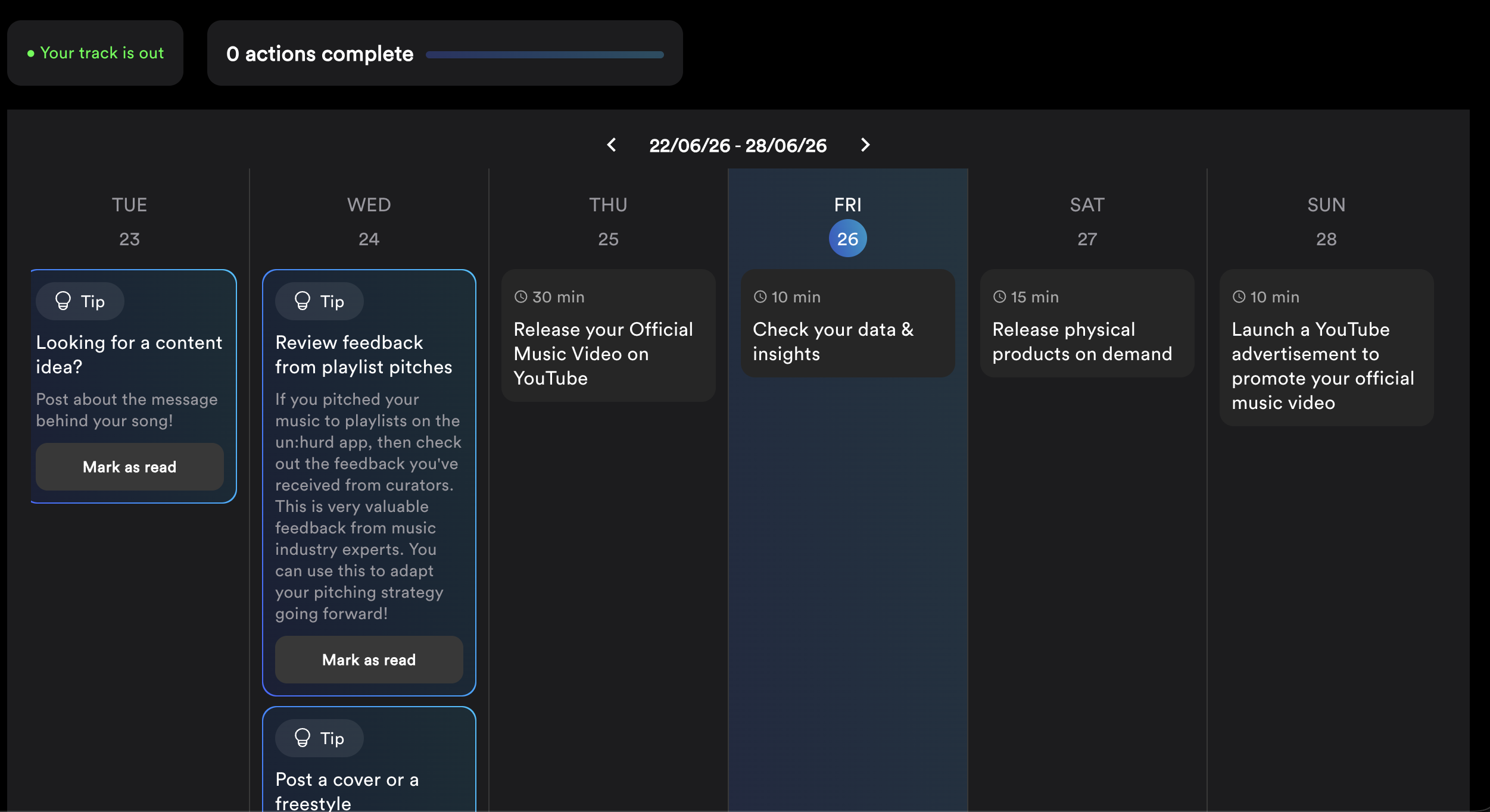
un:hurd's Release Cycles build an 8-week plan around your release date, covering pre-release setup, social content scheduling, playlist pitching, press outreach, and post-release promotion. Your music video promotion isn't a separate workstream. It's woven into the same plan alongside everything else, so nothing falls through the gaps.
👉 Start your release plan on un:hurd and see exactly when and how to promote your music video alongside your single, playlists, and press outreach.
💬 Quick tip: before you upload your next music video, film 60 seconds of behind-the-scenes footage on your phone. Just the shoot in progress, the setup, the chaos, whatever's happening. That footage becomes 3-4 pre-release teasers that you'll be grateful for when promotion week arrives. Future you will thank you.