How to repurpose your content across socials
Stop filming new content daily. Learn how to repurpose a single live performance video into a month’s worth of engaging Instagram and TikTok posts in minutes.
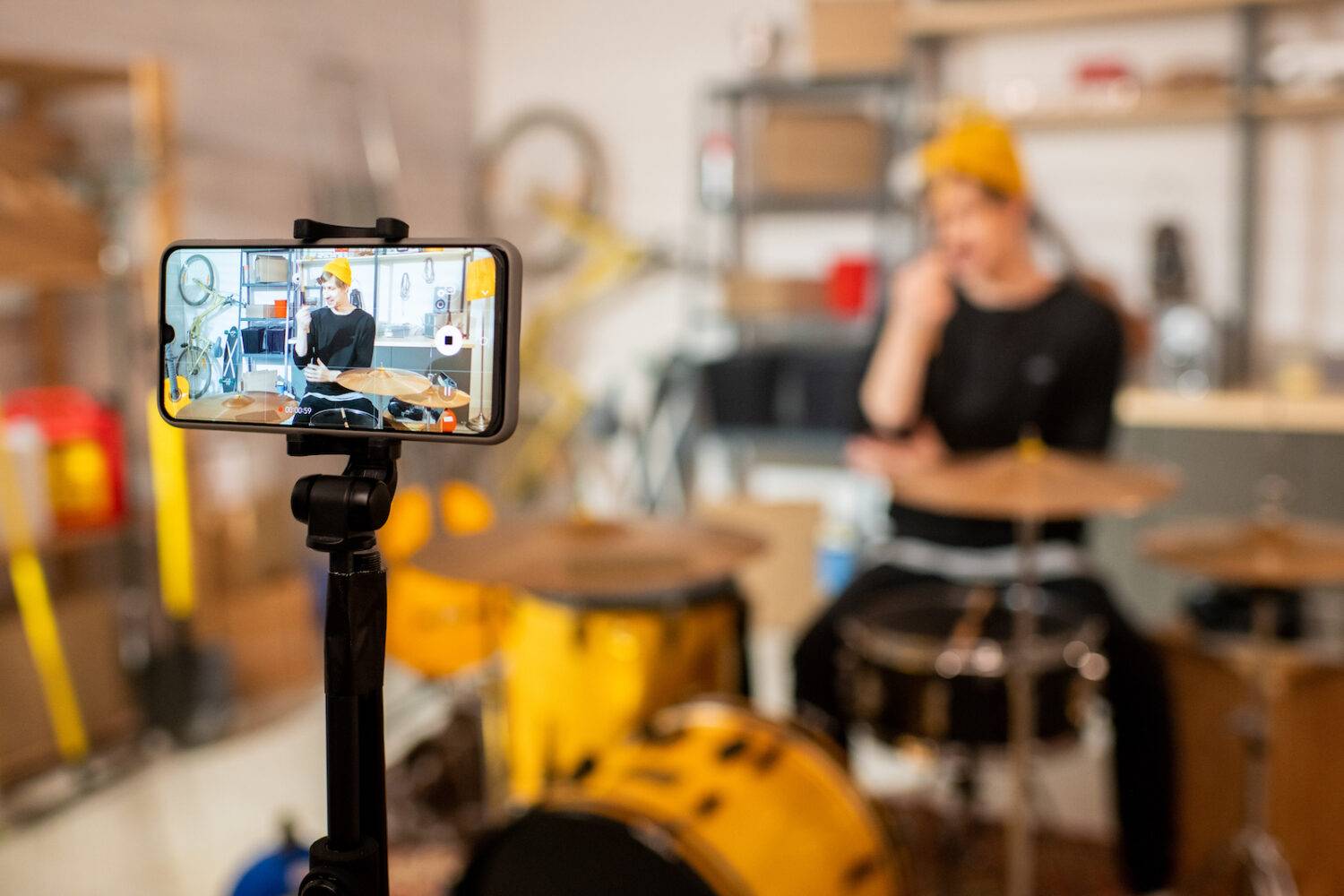
We know the struggle: You want to make music, not content. You’d rather be in the studio or on stage than worrying about algorithms.
But what if you could take a single video from a live show—filmed right on your phone—and turn it into multiple engaging posts for Instagram and TikTok in under two minutes?
Here is the step-by-step breakdown of how to work smarter, not harder, with your gig footage.
Step 1: The Source Material
You don't need a videographer. You just need your phone. However, the raw video needs to do one of two things to work effectively:
- Be Well-Lit: Grainy, dark footage rarely performs well.
- Showcase Performance: It needs to capture your dynamics, your movement, or high-quality audio.
Once you have that one solid clip, here is how to slice it up for different platforms.
Step 2: The Instagram Strategy (Aesthetics First)
On Instagram, the visual vibe is key.
- The Look: Make it look as "pretty" or polished as possible. If you have a specific filter style you use for your brand, apply it here.
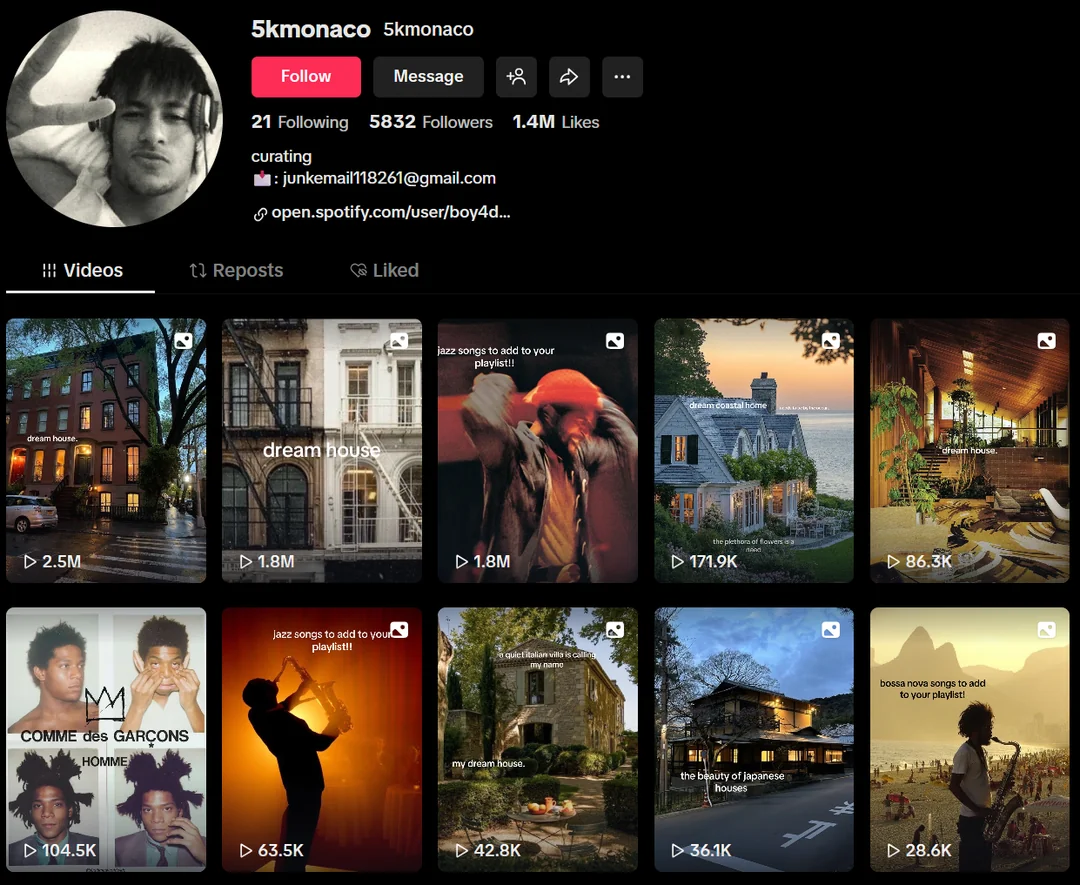
- The Thumbnail: This is crucial. Pick a cover image that matches your grid aesthetic. It doesn’t even have to be a frame from the video; it can be a press photo or a stylized shot that relates to the project.
- The Text: Keep it minimal. Avoid cluttering the screen. Add one quick line at the beginning targeting your specific audience (e.g., "If you like [Artist Name], listen to this" or "What do you feel when you hear this?").
Step 3: The TikTok Strategy (Storytelling First)
On TikTok, context is king. You want the video to feel different than it does on Instagram so people have a reason to follow you on both. Aim for a clip length between 10 and 17 seconds.
Option A: The Text Overlay
- Use the performance video but mute the original audio or layer the studio version of your song over it.
- Write text on the screen that tells the story behind the song.
- Tip: Don't overthink it. Write whatever comes to mind when you think of the track. Authentic thoughts resonate more and help the algorithm find the people who need to hear your message.
Option B: The Voiceover (BTS Style)
- Take the same video and add the audio of your song.
- Record a voiceover of yourself talking about that specific show or explaining why you wrote the song.
- Treat this as a "Behind the Scenes" moment. Let the audience in on the secret.
The "Infinite Content" Hack
The best part about this method? You can use the exact same background video 30 times.
By simply changing the on-screen text (a new hook, a new story, a new question), you create a "new" piece of content every time. Stop trying to film something new every day, and start repurposing the magic you’ve already created.
Ready to pitch your music to Spotify and Apple Music editors?
Head back to the un:hurd app to explore more tools and resources for playlist promotion.
Not an un:hurd user yet?
Join thousands of independent artists who are using un:hurd to streamline their music marketing and maximise their impact. Sign up today!