How to Pay for Facebook and Instagram Ads for Your Music
Pay for Facebook and Instagram ads at checkout in un:hurd by card or PayPal, with no Meta ad account. See the $100 minimum budget, the 20% fee and refunds.
By Sam Blackie, Head of Growth at un:hurd music
Last updated: 13 October 2026
Key Takeaways
- When you book Facebook and Instagram ads through un:hurd music's social ad tool, you pay at checkout by card or PayPal. You don't need your own Meta ad account or a payment method saved in Meta Ads Manager.
- Social ad tool campaigns have a minimum budget of $100, priced in US dollars and converted to your local currency at checkout.
- un:hurd's 20% ad fee comes out of the budget you set rather than being added on top, so the budget you choose is the total you pay.
- Payment is taken at booking. Once your campaign is confirmed, you get an email with a link to your receipt and a link to your campaign report.
You pay for Facebook and Instagram ads in un:hurd at checkout, by card or PayPal, when you book the campaign in the social ad tool. There's no card to add to a Meta ad account first, because un:hurd runs the ads for you and you only connect your Facebook Page.
An older version of this guide walked you through adding a payment method in Meta Ads Manager. If you book your Meta ads through un:hurd, you can skip that step.
What a Facebook and Instagram campaign costs in un:hurd
A Meta campaign in un:hurd's social ad tool costs whatever budget you set, from a minimum of $100. Budgets are priced in US dollars and converted to your local currency at checkout, so you see the amount in your own currency before you pay.
un:hurd charges an ad fee of 20%, and it's taken from the budget you set. You won't find an extra charge added at the end, because the fee is already inside the price you agreed at booking.
How paying for your Meta ads works, step by step
Paying happens as the last step of booking a campaign in the social ad tool:
- Connect your Facebook Page. You need administrator access to your own or your artist's Page so you can share advertising access with un:hurd.
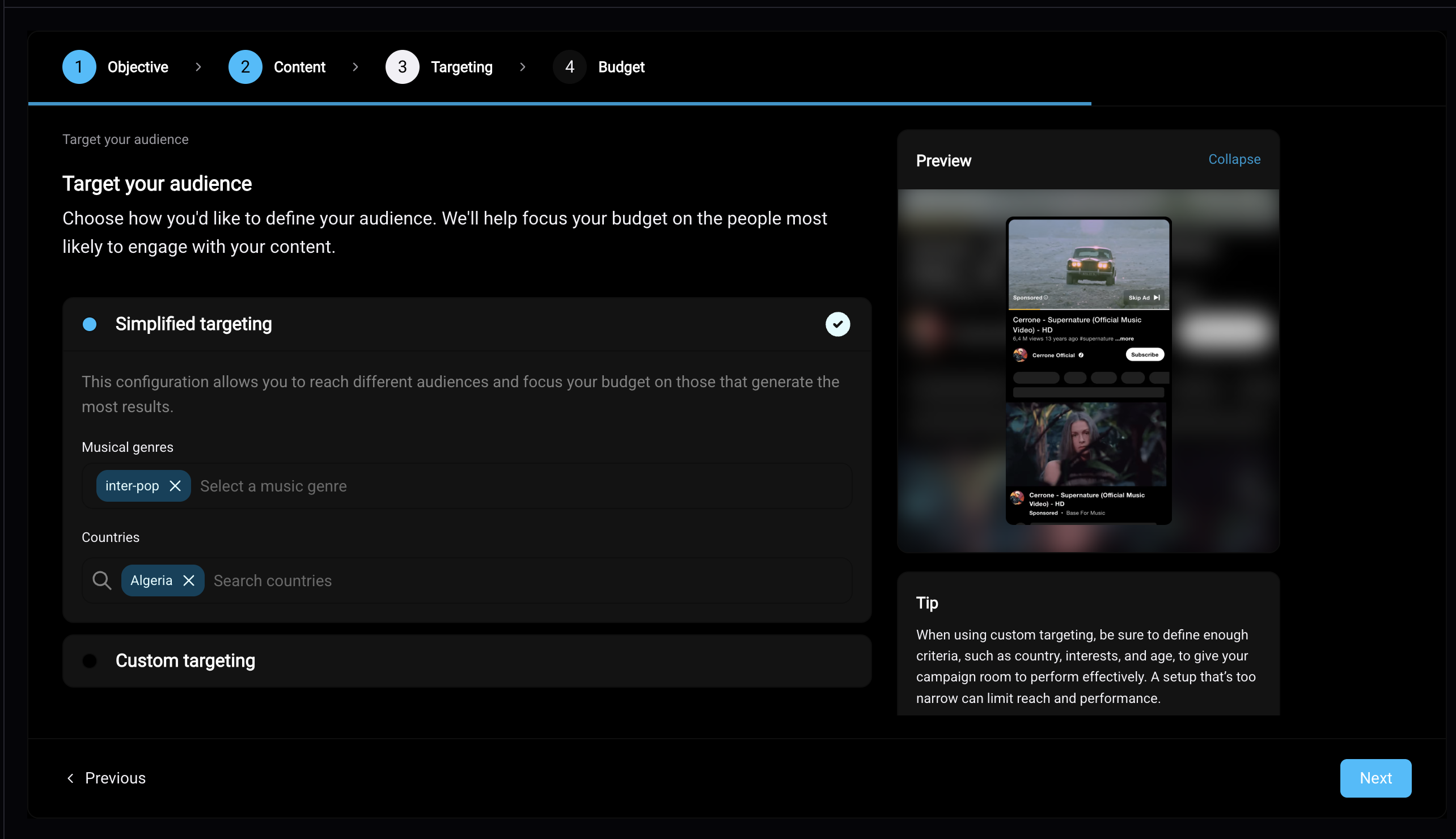
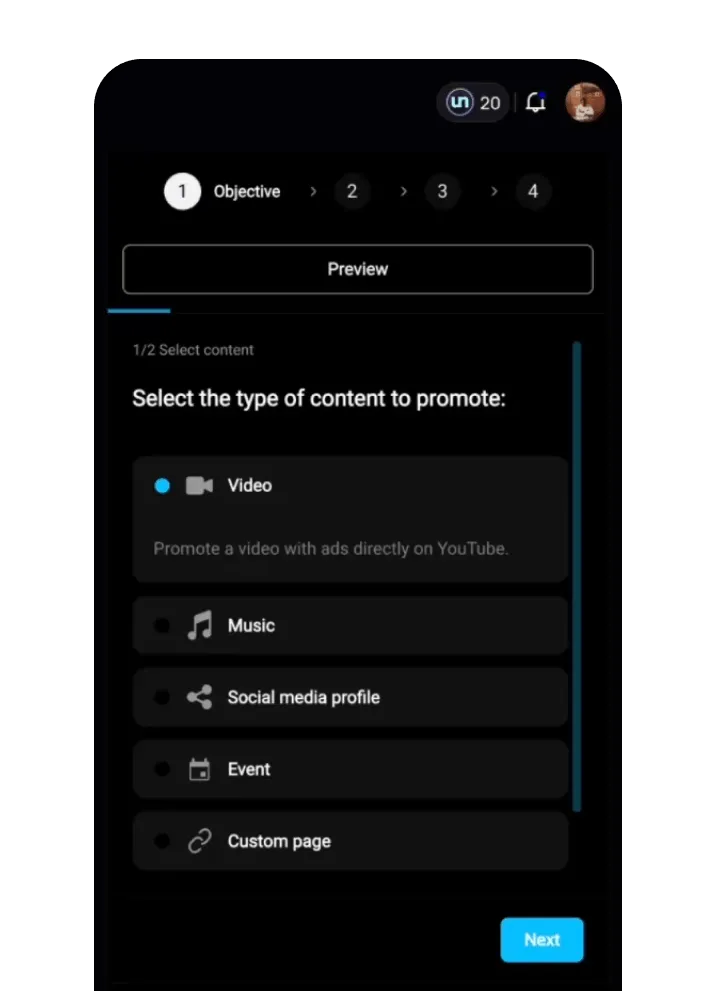
- Choose your goal (a video, your music, a social media profile, an event or a custom page) and your objective: streams, Spotify visibility and placements, engagement, followers or pre-saves.
- Add your creative and check the targeting. un:hurd sets the targeting from your data, and you can open advanced targeting to choose your own locations, including cities Smart Insights has flagged for you.
- Set your budget, from $100.
- Pay at checkout by card or PayPal. Payment is taken at booking.
Once your campaign is confirmed, un:hurd emails you a link to your receipt along with a link to your campaign report. Keep the email somewhere safe if you track your music spending for tax. On Meta, your ads can then run in Facebook and Instagram feeds, Stories and Reels.
What happens if your campaign doesn't run or doesn't spend the full budget
If a Meta campaign doesn't run, the un:hurd team looks at what's wrong and fixes or optimises it. A common cause is an audience that's too small for the ad to deliver. If a campaign doesn't fully run, un:hurd refunds you or offers credit.
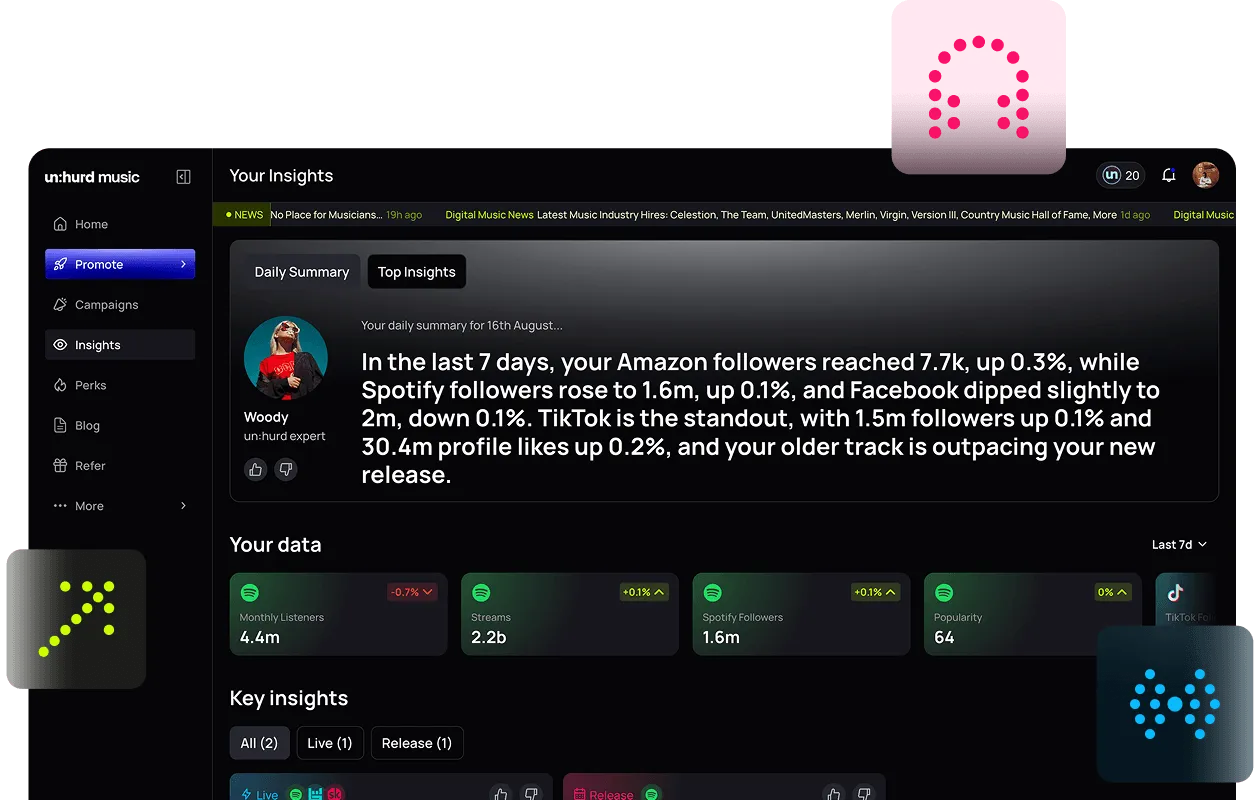
You can follow your campaign in the Campaigns tab in un:hurd, which shows each ad's start and end dates, budget spent, number of results and cost per result.
If you run Meta Ads Manager yourself
If you'd rather run your own ads in Meta Ads Manager, you'll need to add a payment method to your own ad account before you can publish an ad. You add or change it in the payment settings for your ad account, and you need to be an admin of that account to do it. Meta's Business Help Centre has the current steps for adding a payment method.

Running ads yourself gives you every setting Meta offers and you pay Meta directly, without un:hurd's fee. You also take on the setup, the payment admin and the job of choosing objectives and targeting for a music campaign. Our guide to running Facebook and Instagram ads for your music without your own ad account compares the two routes in more detail.
Whichever route you take, promote a post that's already getting likes, comments and shares on its own. Paying to show proven content to more people is a safer use of a small budget than testing something new.
The short version
In un:hurd's social ad tool, you pay for Facebook and Instagram ads at checkout by card or PayPal, with no payment method needed in Meta. Budgets start at $100 and are converted to your local currency at checkout, and the 20% fee is taken from the budget you set. Payment is taken at booking, your receipt and report links arrive by email, and if a campaign doesn't fully run you get a refund or credit.
If you have a post that's already doing well, set up a Meta campaign for it in the Social Ads tab in un:hurd and pay at checkout. If you get stuck, message live chat in the app, where you can ask Woody or speak to the un:hurd team.
For ads on other platforms, read our guides to running TikTok ads for your music without your own ad account and using automated music marketing tools for your release strategy.
About the author
Sam Blackie is Head of Growth at un:hurd music and has worked on artist ad strategy.