How to Run TikTok Ads for Your Music Without Your Own Ad Account
Run TikTok ads for your music without a TikTok Ads account. How un:hurd's social ad tool handles goals, objectives and targeting, and when to go it alone.
By Sam Blackie, Head of Growth at un:hurd music
Last updated: 12 October 2026
Key Takeaways
- You can run TikTok ads for your music through un:hurd music's social ad tool without creating a TikTok for Business or TikTok Ads Manager account. You connect your page to un:hurd, and you never set up an ad account or a payment method on TikTok.
- In the social ad tool you choose a goal (a video, your music, a social media profile, an event or a custom page) and then an objective: streams, Spotify visibility and placements, engagement, followers or pre-saves.
- un:hurd sets your targeting from your own data, and advanced targeting lets you pick specific locations, including cities Smart Insights has flagged.
- Social ad tool campaigns have a minimum budget of $100, and un:hurd charges an ad fee of 20% of your ad spend. The Campaigns tab in un:hurd shows each ad's dates, budget spent, results and cost per result.
You don't need your own TikTok Ads account to run TikTok ads for your music. un:hurd music's social ad tool builds and runs the campaign for you: you connect your page, choose what to promote and what you want people to do, and un:hurd handles the ad setup and targeting. The same tool runs campaigns on Spotify, Meta and YouTube, so a TikTok ad can sit alongside ads on other platforms for the same release.
Earlier versions of this guide walked you through creating a TikTok for Business account and a TikTok Ads account before you could book anything. You can skip all of that now.
What the social ad tool does for TikTok ads
The social ad tool runs your TikTok campaign from un:hurd's side, so you never open TikTok Ads Manager. You connect your page, but you can't connect your own ad account. un:hurd built it that way so artists can get an ad live with as little setup as possible.
Booking a TikTok ad follows the same steps as any other platform in the tool:
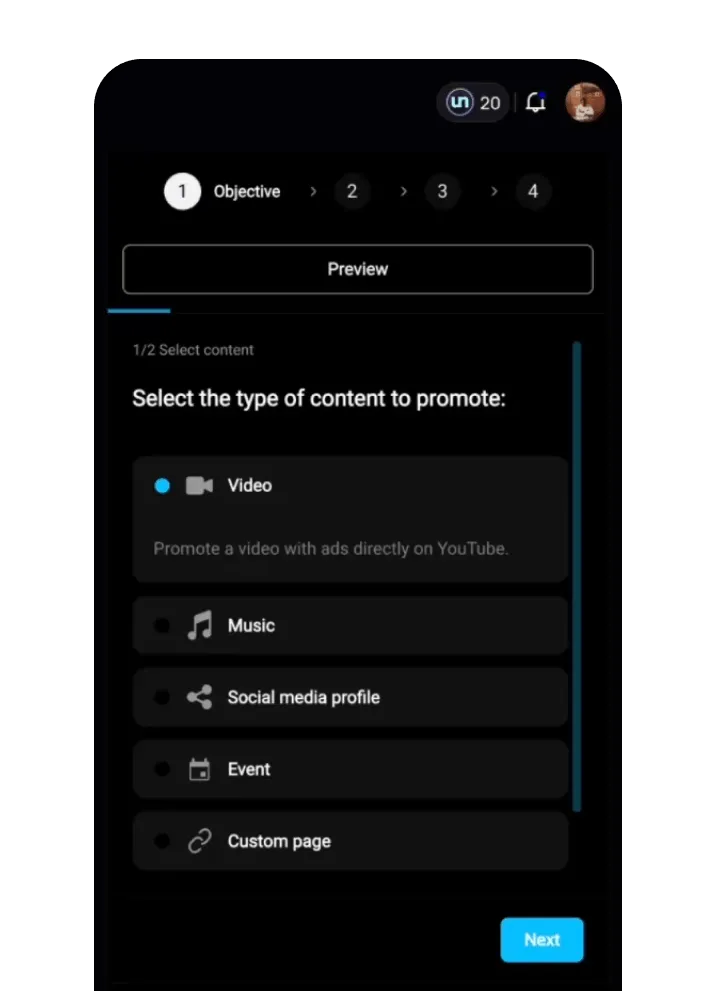
- Choose your goal, which is what the ad points people to. That can be a video, your music, a social media profile, an event or a custom page.
- Choose your objective, which is what you want people to do once they see it. The options are streams, Spotify visibility and placements, engagement, followers and pre-saves.
- Add your creative and check the targeting.
- Set your budget and launch. Campaigns have a minimum budget of $100, and un:hurd charges an ad fee of 20% of your ad spend.
Once your TikTok ad is running, you can track it in the Campaigns tab in un:hurd. The tab lists each ad with its start and end dates, budget spent, number of results and cost per result, and each campaign also has a full report, which un:hurd links to by email.
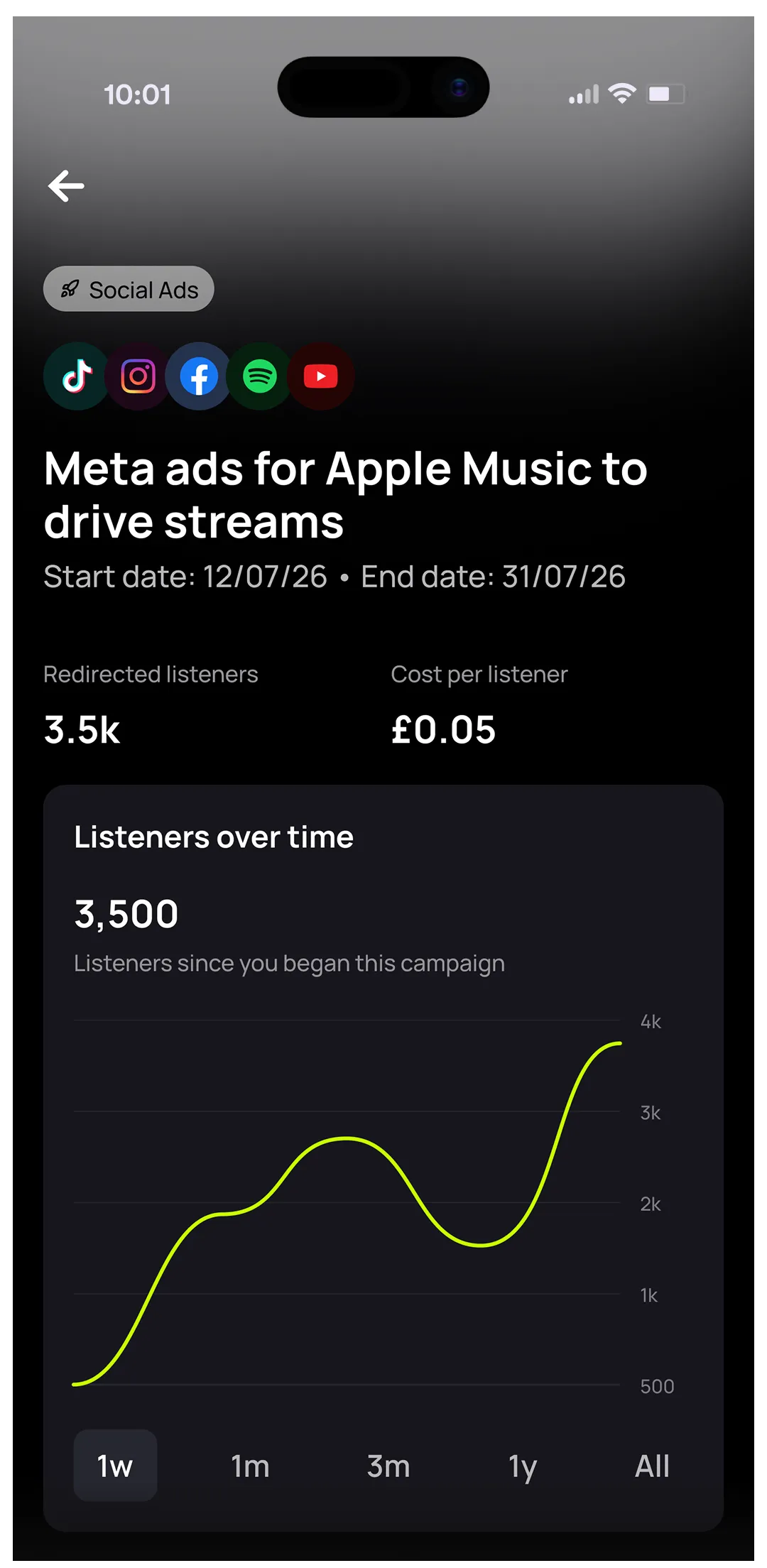
For a full walkthrough with screenshots, see the help centre guide on how to use the un:hurd Ad Builder. If you want to see how ads fit into a wider release plan, our guide to using automated music marketing tools for your release strategy covers it.
Default or advanced targeting: which to pick
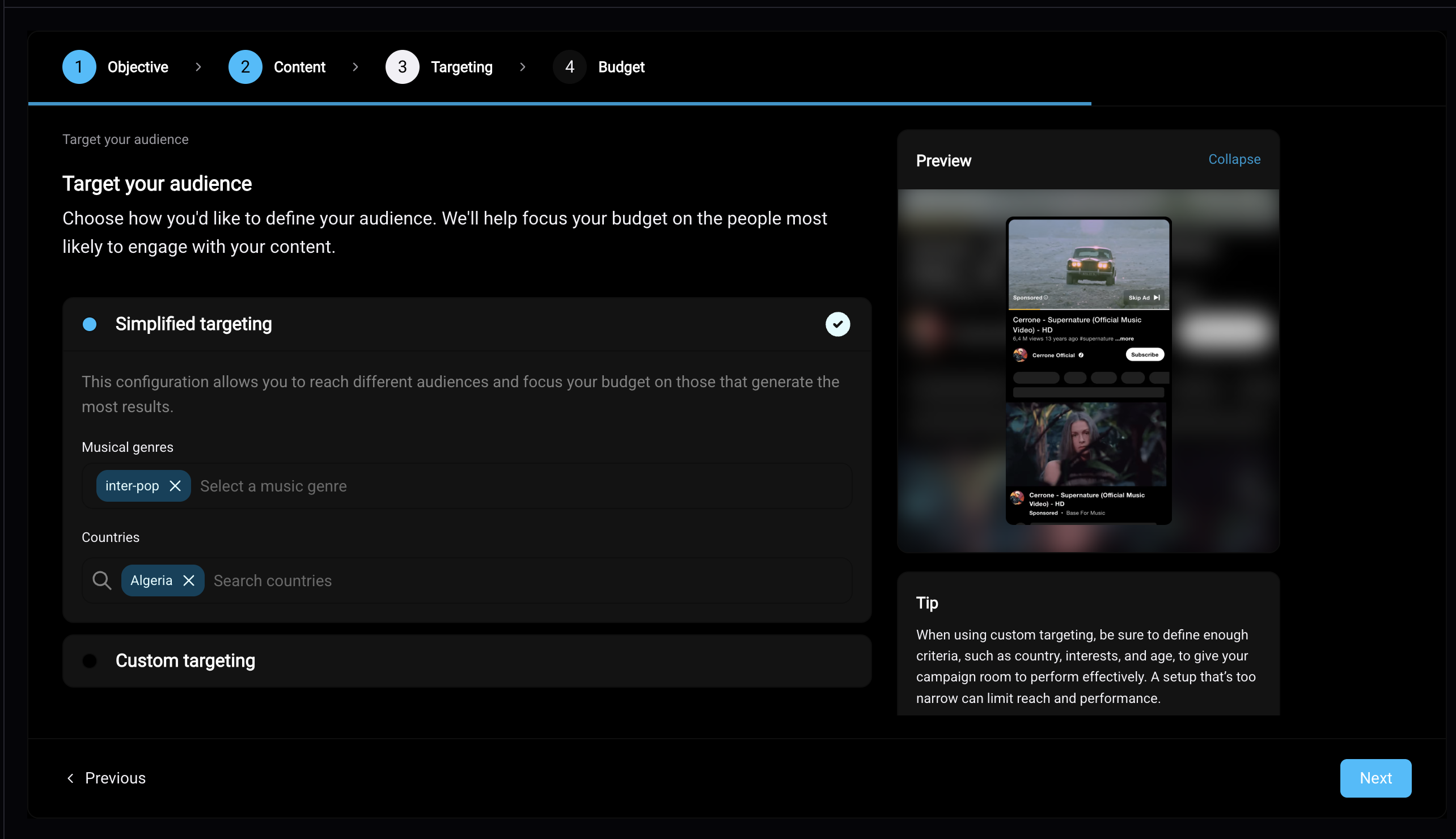
un:hurd sets the targeting for your TikTok ad based on your data, which is the right place to start if you haven't run music ads before. If you want more control, open advanced targeting to get more specific, including choosing your own locations as well as cities Smart Insights has flagged.
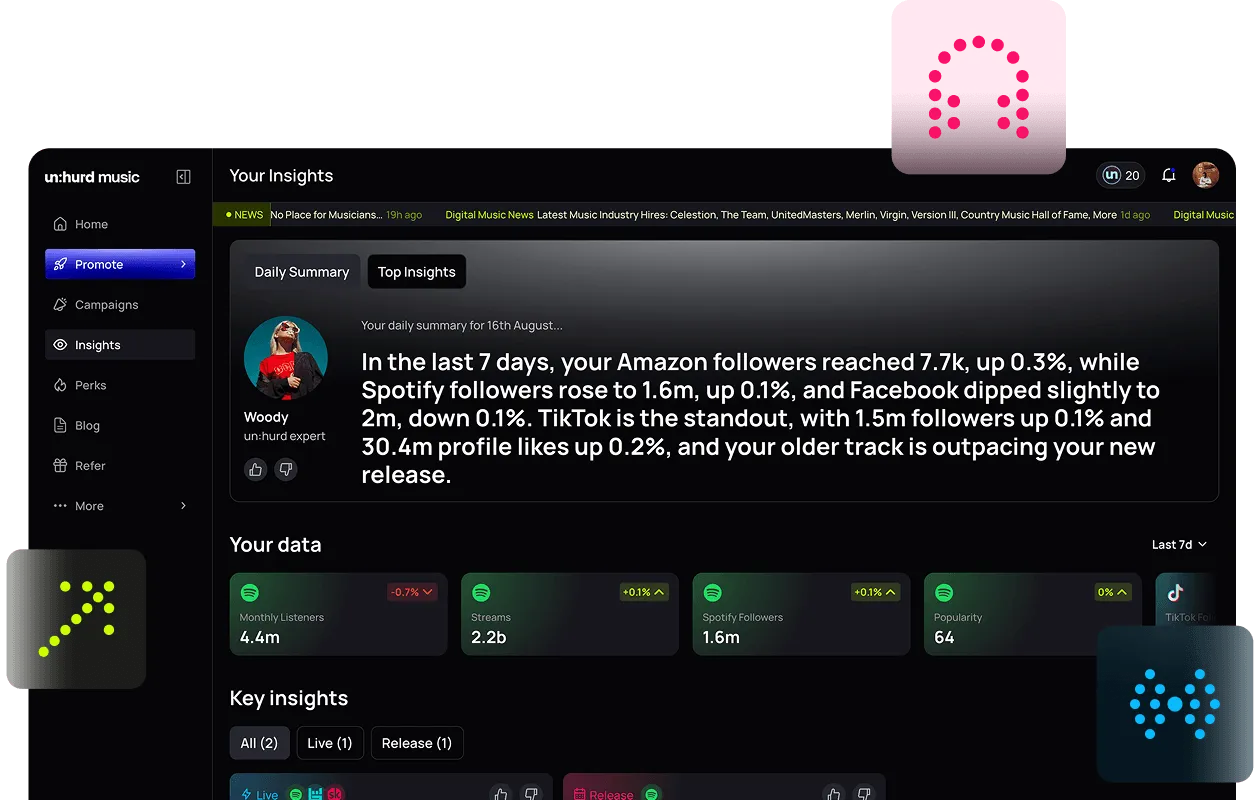
Smart Insights reads your streaming and social data together and tells you the next move in plain language. One of the moments it watches for is a Shazam spike: when your Shazams in 24 hours are more than three times the previous 24 hours, it suggests running a geo-targeted ad in the city where Shazams are highest. That's a good reason to switch to advanced targeting and aim a TikTok campaign at one city while the interest is there.
A practical rule: use advanced targeting when you have a specific reason, such as a show in one city or a spike in one place. Otherwise, let the default targeting run first and look at where your results come from before narrowing anything down.
Getting your TikTok content ready before you promote it
The ad can only be as good as the post behind it. This advice works whether or not you use un:hurd:
- Promote a post that's already picking up views, comments and shares without any spend. People have already shown they like it, so paying to show it to more of them is a safer bet than promoting something untested.
- Get to the music quickly. Open on the hook of the track or the strongest visual you've got, because the first few seconds decide whether someone keeps watching.
- Use your own track as the sound, so anyone who likes what they hear can find the song.
- Make sure your profile has a few more posts on it, so people who tap through from the ad find a reason to follow.
For more on the organic side, read our TikTok organic strategy guide for artists and our guide to using TikTok to hype your new release.
When running TikTok Ads Manager yourself still makes sense
Running ads yourself in TikTok Ads Manager gives you every setting TikTok offers, and you pay TikTok directly without un:hurd's 20% ad fee. If you already run ads for other projects and enjoy adjusting campaigns day to day, that control can be worth having.
The trade-off is the setup and the learning curve. You'll need a TikTok for Business account, a TikTok Ads Manager account and a payment method, and then you have to work out which objectives and settings suit a music campaign. If you'd rather spend that time on the music, the social ad tool gets an ad live without any of it.
The short version
You can run TikTok ads for your music without your own TikTok Ads account by booking them through un:hurd's social ad tool. You connect your page, pick a goal and an objective such as streams, followers or pre-saves, and un:hurd sets the targeting from your data. Advanced targeting lets you aim at specific cities, including ones Smart Insights flags. Promote a post that's already doing well organically and you'll give the ad its best chance.
If you've got a TikTok post that's already picking up views, launch an ad for it from the Social Ads tab in un:hurd and let un:hurd handle the setup. If you get stuck at any point, message live chat in the app, where you can ask Woody or speak to the un:hurd team.
About the author
Sam Blackie is Head of Growth at un:hurd music and has worked on artist ad strategy.